Tool flyer
Grok for work
Not affiliated with OpenAI, Google, xAI or Anthropic; your organization’s rules come first.
The one that hands back a real file, and the one that runs the same job every Monday without you.
What it does that the others do not
- Skills that write files.
Ask for a Word document, a PowerPoint, a spreadsheet or a PDF and download it. Treat it as a first draft.

- Automations.
Write the instructions once, add a trigger, and it runs hourly, daily, weekly or monthly and keeps each result.

- Expert mode.
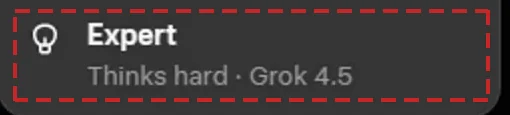
Fast is for quick answers. Expert thinks hard and is the right choice for analysis and planning. Auto decides for you.
- Projects and your own skills.
A project keeps a job’s files and instructions together. Skill Creator builds a new skill by conversation, no code.

Also inside
- Files in the chat: attach documents and ask about them.
- Project chats start in Expert already.
- Each automation run is saved to read later.
- Web search with sources for public facts.
Try this first
“Use the Presentations skill. Build a five-slide brief from the attached point paper: title, background, three options, recommendation. Plain layout, no pictures.”
Know before you go
- Files take minutes. A three-slide deck took us over 25. Start it, then do other work.
- Sharing a project has a control, but finding people did not work for us yet.
- Do not park on Expert. The careful tier is shared capacity.
Public tools take public material. A work account may take more, within its rules. Nothing classified, ever.
One-page playbooks and lessons with screenshots: sean.theinformed.org/ai-tools