Playbook 4
Updating many instructions
AI Tools Field Guide
Not affiliated with OpenAI, Google, xAI or Anthropic; your organization’s rules come first.
Turn “re-read everything” into a table of what changed and a list of where you cite it.
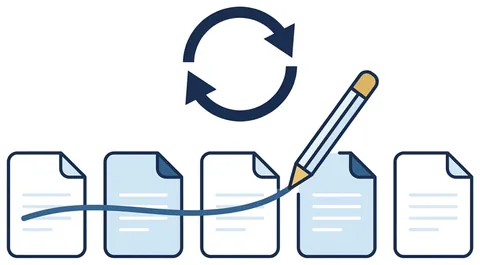
Find what changed
- Attach the old and the new directive. Ask for the differences only: old paragraph, new paragraph, what is different.
- Ask what it means for you. “Which of these changes affect a command that does X?”
- Take the careful tier. Pro GPT 5.6 Terra Grok Expert Comparing two long directives is what the fast tier skips.
- Keep the change table. It is the key for every document you update next.
Find where you cite it
- One instruction at a time. Attach your instruction and the change table, nothing else.
- Ask for the hit list. Your paragraph, the old reference, the new paragraph, the quoted sentence.
- Open every NOT FOUND first. That is where policy actually changed rather than moved.
- Spot-check one row in three against the new directive, then search for the old number.
- Route it as a change, with the table attached, so the reviewer sees what moved.
Say it like this
List every reference in the attached instruction to the old directive: our paragraph, the old reference, the new paragraph, the quoted sentence.
Write NOT FOUND where there is no equivalent. Then rewrite only those paragraphs, change nothing else, and show old beside new.
Take away
A change table, a hit list, side-by-side edits. You review a dozen rows per instruction instead of re-reading three long documents end to end.