Playbook 11
What changed for my shop?
AI Tools Field Guide
Not affiliated with OpenAI, Google, xAI or Anthropic; your organization’s rules come first.
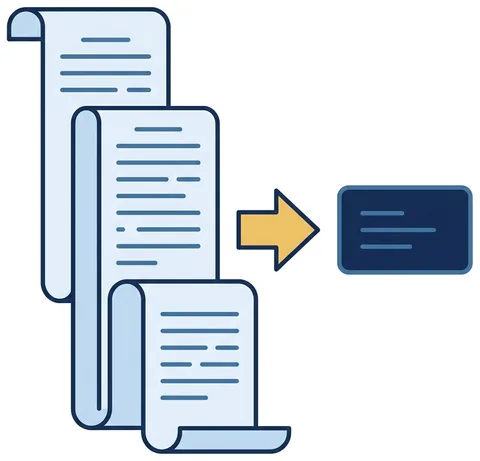
A long message becomes a short list: who must do what, by when, with the paragraph beside every line.
Set it up
- Attach the message itself. The whole NAVADMIN, ALNAV or revised instruction as a file, not somebody’s summary of it.
- Attach the version you were following. A comparison is only honest when both documents sit in front of the model.
- Say who your shop is. Size, mission and the billets you own, so it can sort your paragraphs from everyone else’s.
- Keep to the data rules. Nothing classified reaches any AI tool, whatever the message happens to cover.
Work it in four passes
- Take the careful tier. Pro GPT 5.6 Terra Grok Expert A forty-paragraph message is where the fast tier skims.
- Ask for your rows only. The action, the owning billet, the date, and the paragraph that imposes it.
- Ask what stopped. A change usually cancels something; make it list what no longer applies and where that is stated.
- For “which policy governs”, open Gemini. Switch on Deep Research and ask for the document and the paragraph.
Say it like this
Read the attached message. List every requirement that falls on a shop that does X: the action, the owning billet, the date, and the paragraph.
Mark anything that only restates existing policy. Write NOT STATED where no date is given. Quote the sentence behind each row.
Take away
A message you would have read twice becomes a dozen rows with paragraph numbers. Open every cited paragraph yourself before those rows go out as taskers.