 AI Tools Field Guide
Grok: skills, projects and automations
Grok bundles three features in one place: a skill that writes a Word, PowerPoint, Excel or PDF file, a project that holds a job, and a prompt that runs on a schedule. ChatGPT now has its own versions (skills inside plugins, and Scheduled), so the method here carries over, set up below with what each one costs in time and attention.
Skills: a playbook the model follows
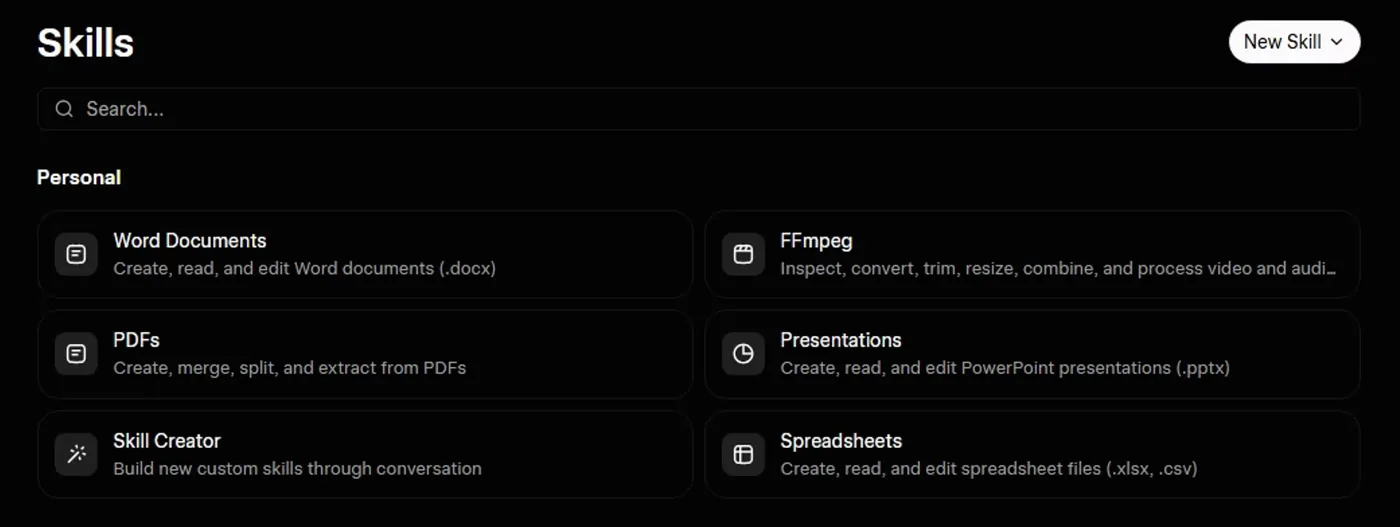
Screenshot by the author on a sandbox account, 16 September 2026.
Think of a skill as a reusable playbook: instructions, and sometimes tools, you attach so Grok applies the same expertise without re-pasting a long prompt. The mental model is a specialty SOP, not a full workspace (Grok). The built-in ones are the interesting part, because four of them write files.
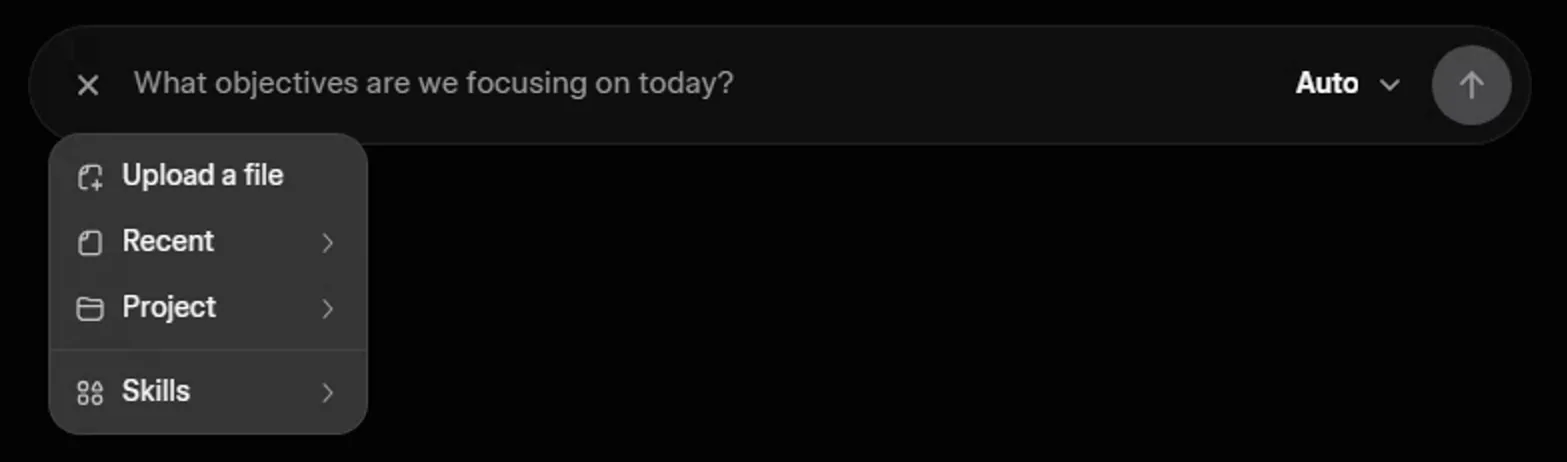
Screenshot by the author on a sandbox account, 16 September 2026.
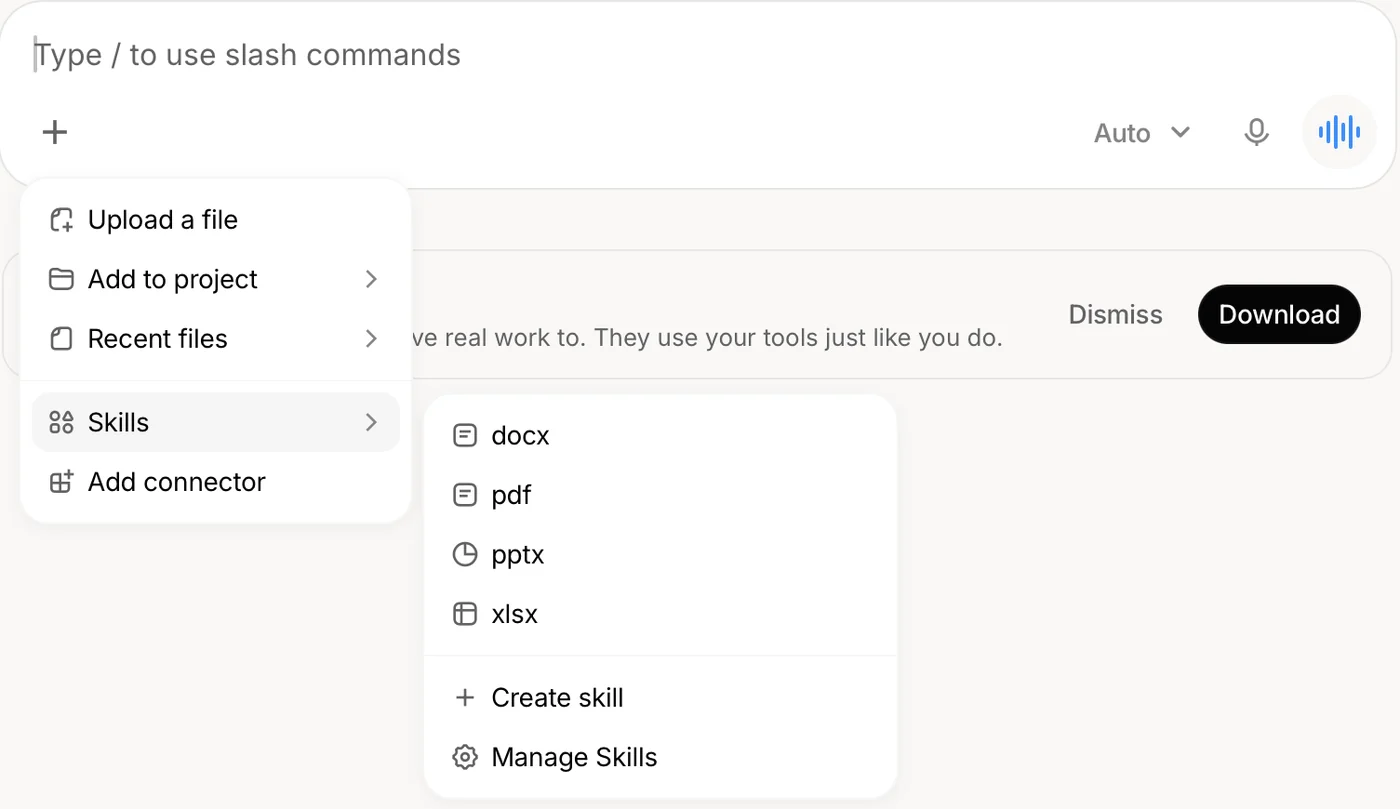
Screenshot by the author, 25 September 2026.
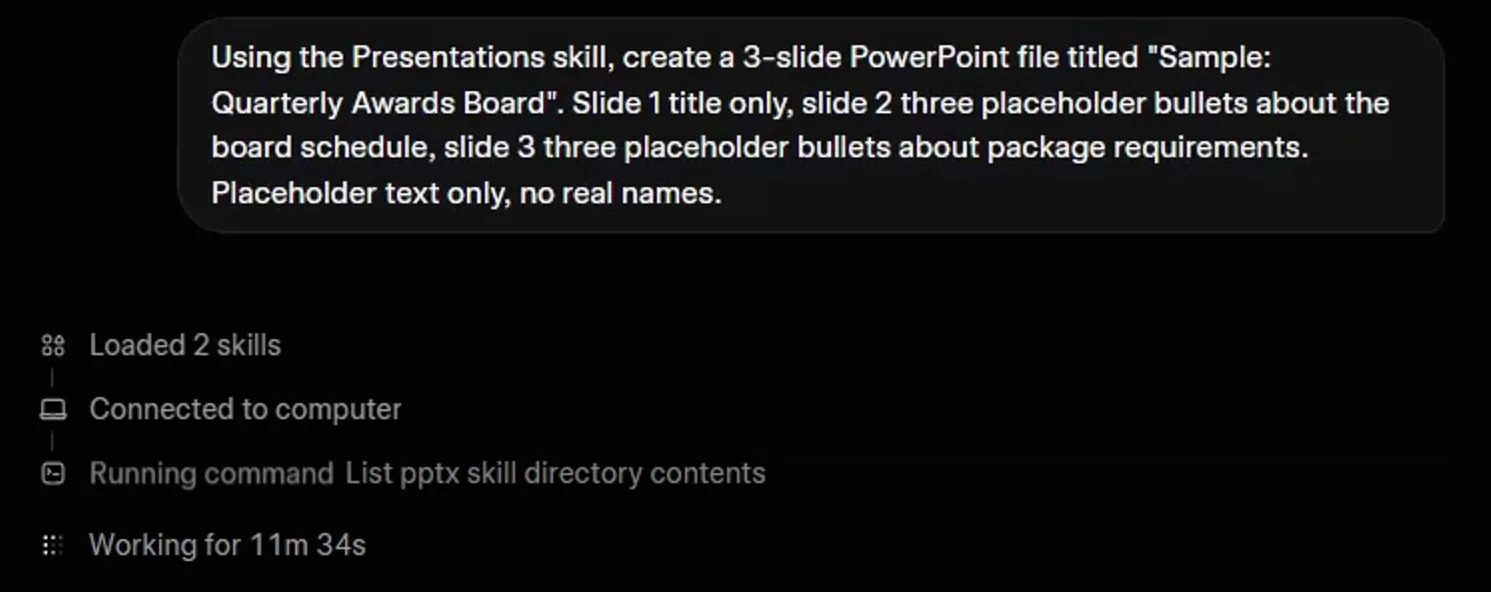
Screenshot by the author on a sandbox account, 16 September 2026.
What to expect: a file job runs for minutes, sometimes many; a Quick Answer button offers to bail out with text instead; and the file that comes back is a starting point in a plain layout, not your command's template. Ask for the words and structure in text when you can, and use the file skills when someone needs a .docx or .xlsx to start from.
New Skill offers three routes: write the skill file yourself, upload one, or "Create skill with Grok" by describing it. Write a skill like a good prompt: role, goal, limits, format. The Advanced path's skills files lesson is the same idea in general form.
Projects: a desk for a job
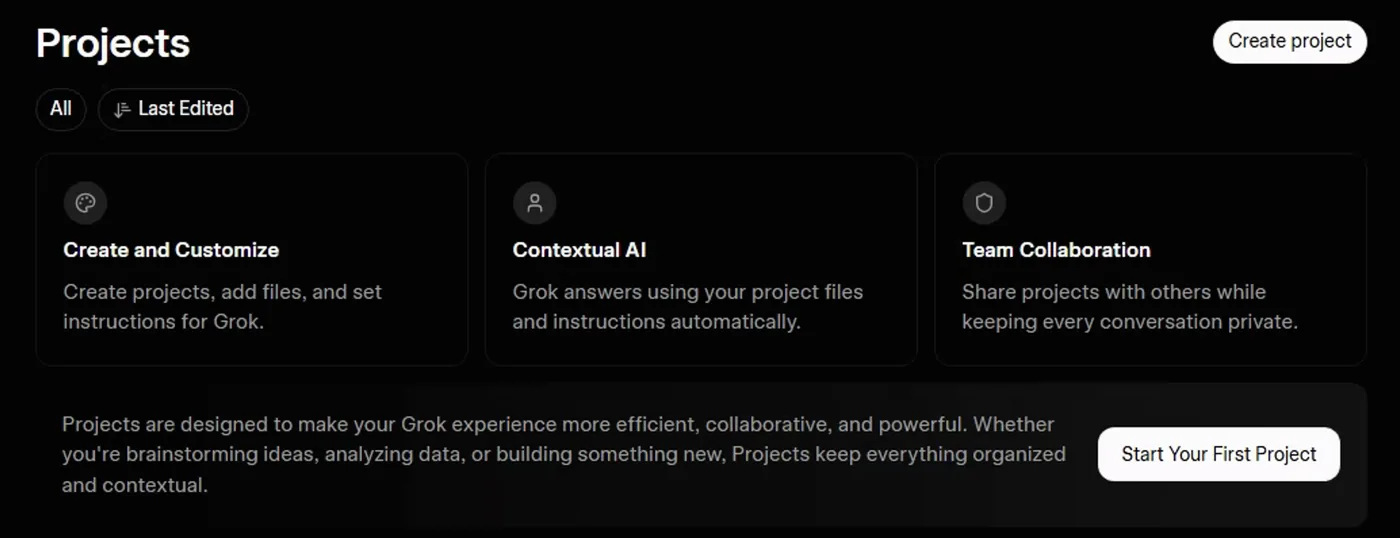
Screenshot by the author on a sandbox account, 16 September 2026.
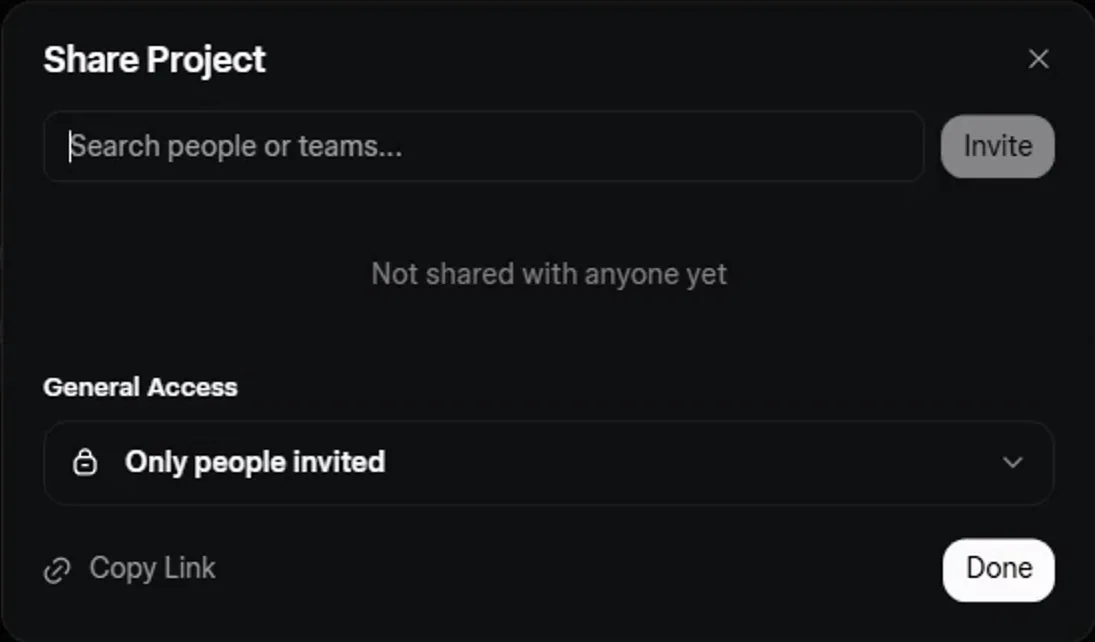
Screenshot by the author on a sandbox account, 16 September 2026.
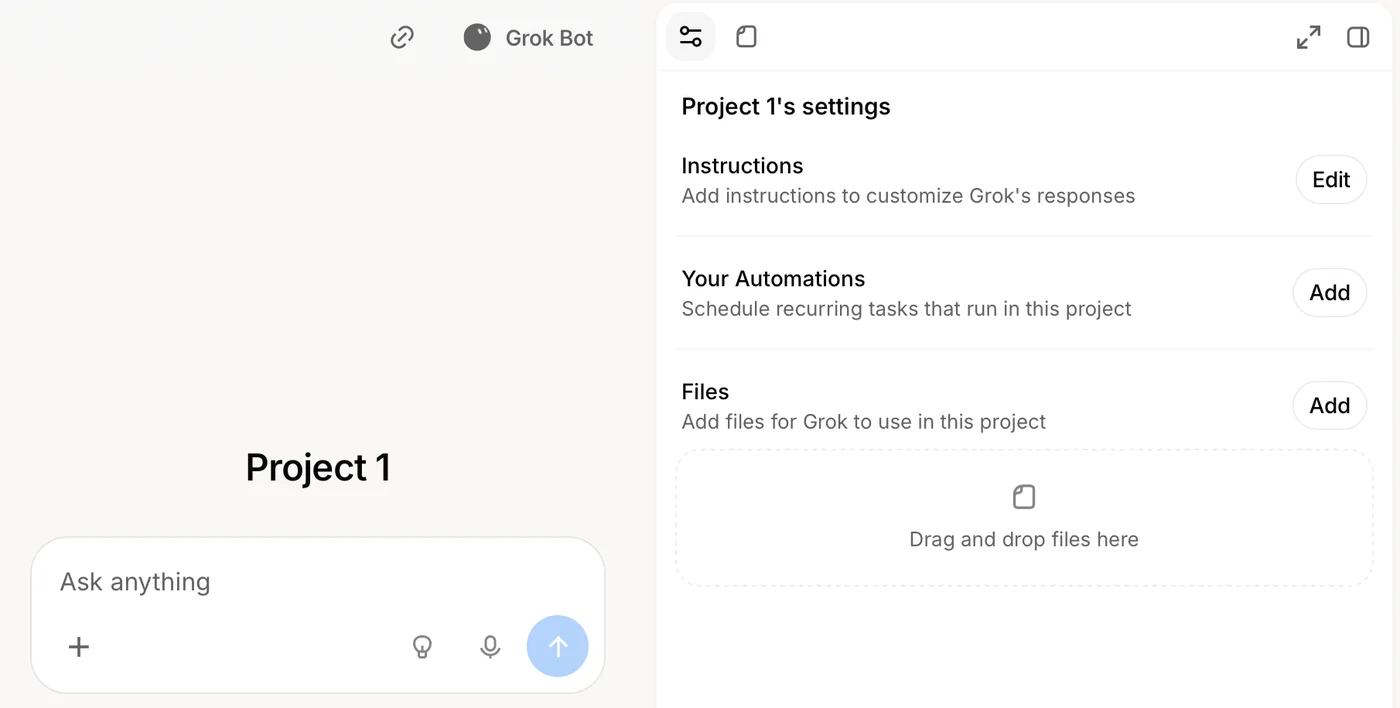
Screenshot by the author, 25 September 2026.
Create project asks for a name and files. Inside, Grok defaults to Expert mode and answers from the project's files and instructions automatically. Grok shows a share dialog that ChatGPT does not offer for its projects, with each person's chats inside a shared project staying private. We could not complete an invite in September 2026, so build the project for yourself and hand over the files and instructions until sharing works reliably for you. Good uses: recurring staff summaries, recurring analysis, unit SOP questions. A one-off question belongs in a plain chat.
Automations: a prompt on a timer
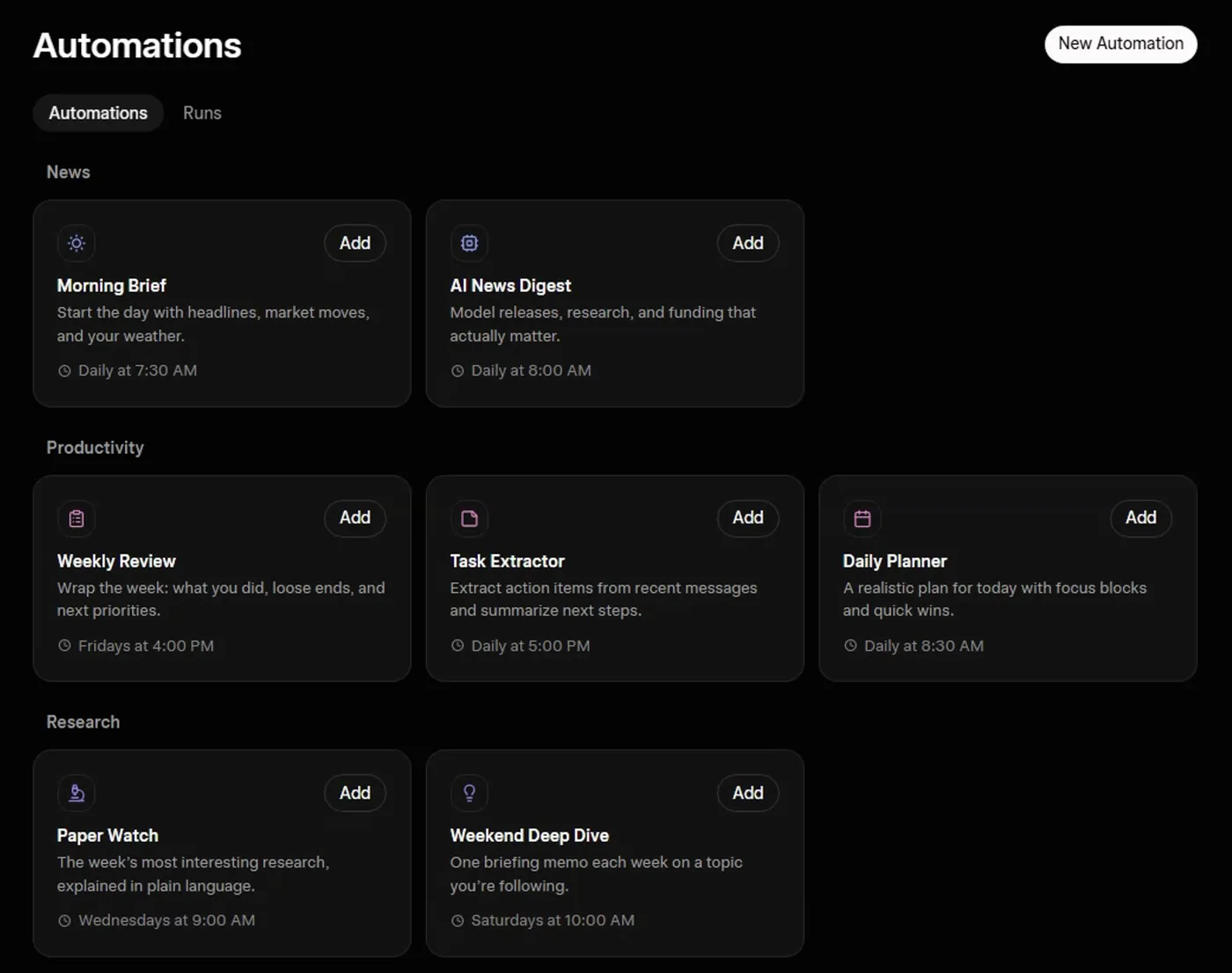
Screenshot by the author on a sandbox account, 16 September 2026.
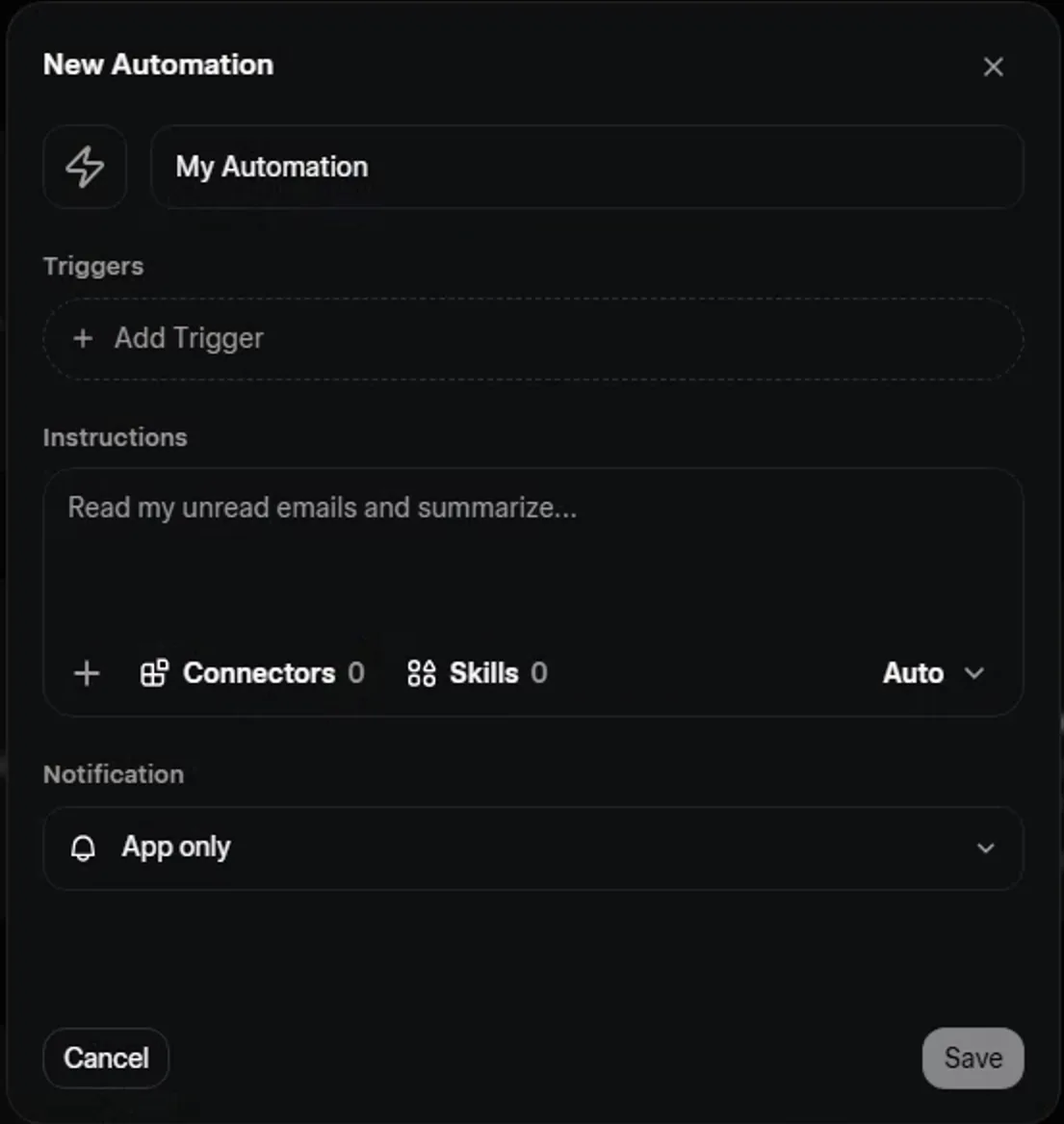
Screenshot by the author on a sandbox account, 16 September 2026.
- New Automation
- Name it and write the instructions as if nobody will be there to answer questions
- Add Trigger: once, hourly, daily, weekly, monthly, yearly
- Attach files or a project it should read
- Save, then Run now
- Read the run under Runs
Two facts set the limits. Triggers are time-based only; email triggers shown locked in the menu were not yet available when we tested this. And an automation reads only what is attached or in its project, so "summarize this week's traffic" works only if the traffic is already there. Every run is a real conversation kept under the same rules, and Grok chat history is deleted after 30 days.
Vendor facts checked ; re-verify before relying on them.