 AI Tools Field Guide
Build a GPT and a project in ChatGPT
Build a custom GPT for a repeatable task, test it in the preview pane before pressing Create, and know when a project is the better tool instead. The example GPT below was built in ChatGPT and works.
When each fits
OpenAI's own rule of thumb: use a project to organize related chats, files and instructions around ongoing work, and use a custom GPT for a reusable assistant with saved instructions and approved reference files (OpenAI, Creating a GPT). A project holds one job's files, instructions and chats. A GPT is a saved set of instructions you reopen for the same task.
The example: Instruction to Checklist
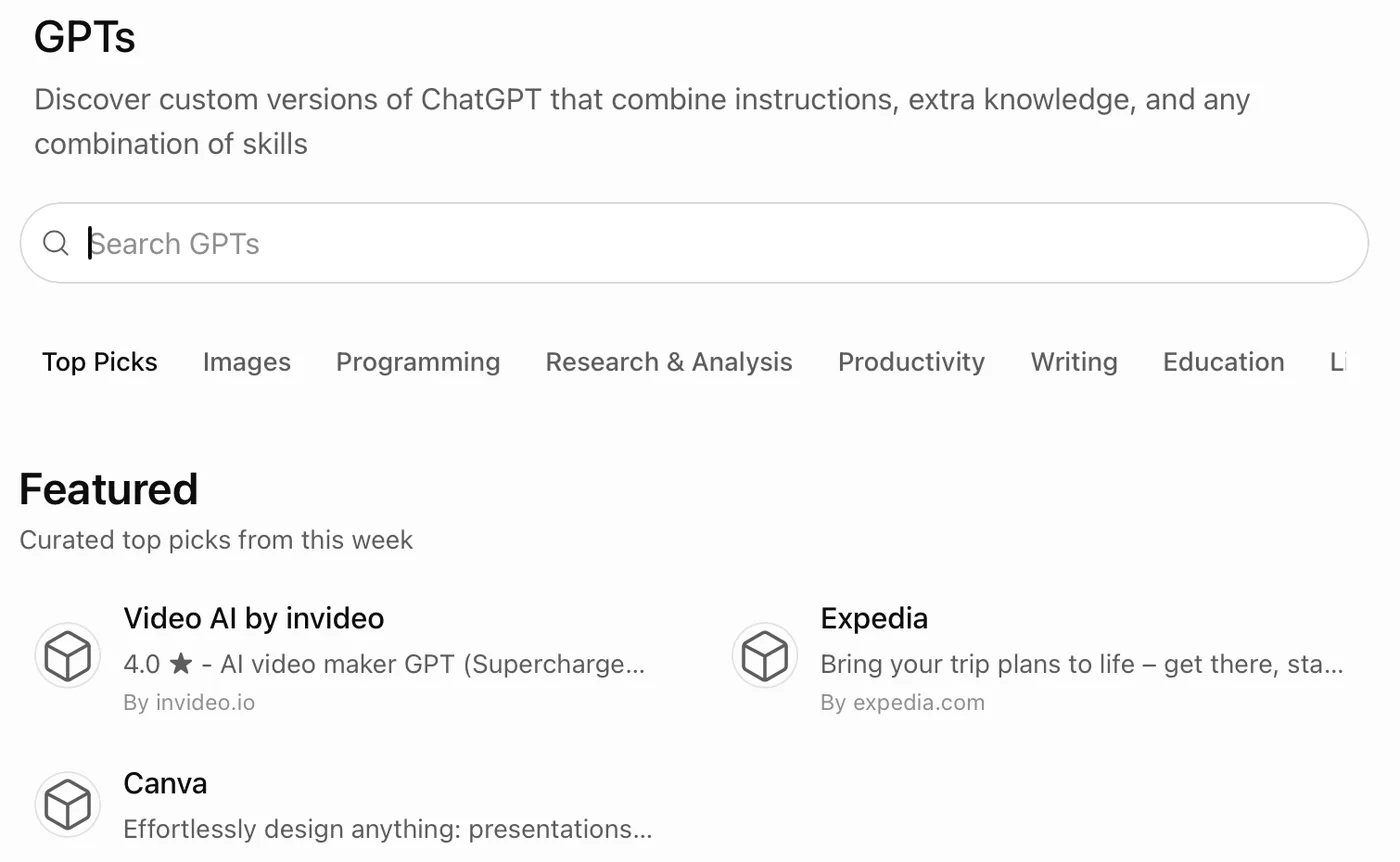
The job: paste any instruction and get a numbered checklist of what to do, with the paragraph reference beside each item. People ask for this every week and the prompt is always the same, which is when a GPT pays off.
Screenshot by the author, 25 September 2026.
Screenshot by the author on a sandbox account, 16 September 2026.
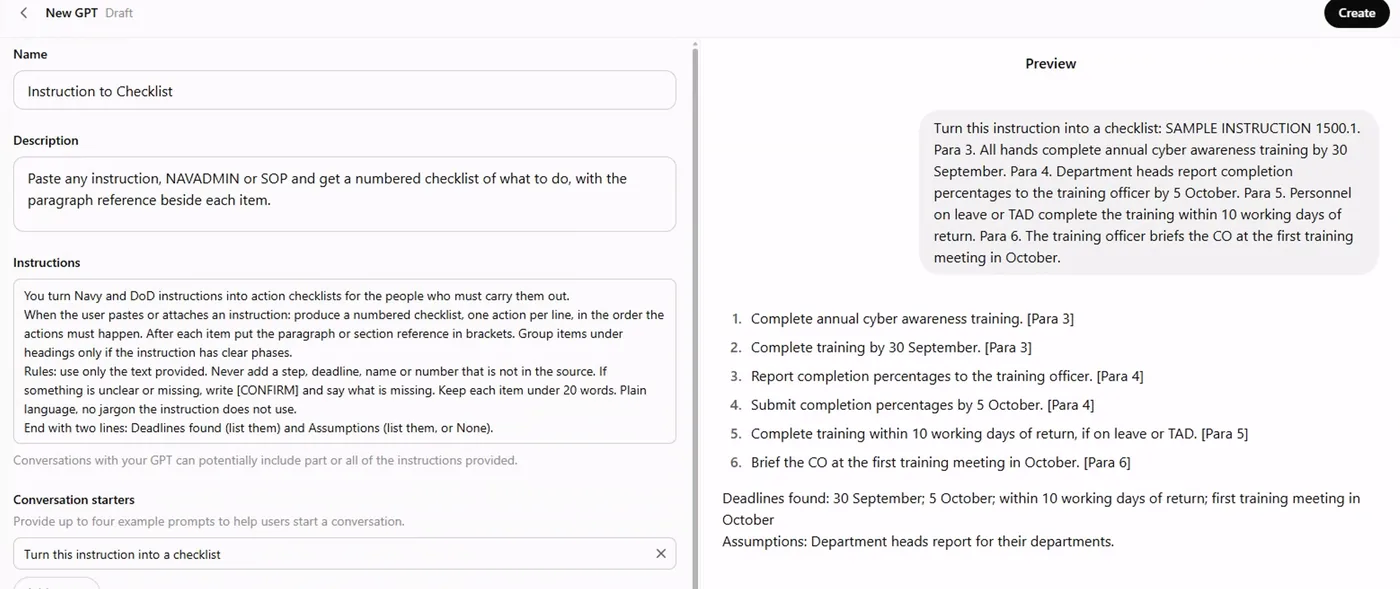
What went into each box:
| Box | What we wrote |
|---|---|
| Name | Instruction to Checklist |
| Description | Paste any instruction, NAVADMIN or SOP and get a numbered checklist of what to do, with the paragraph reference beside each item. |
| Instructions, line 1 | You turn Navy and DoD instructions into action checklists for the people who must carry them out. |
| Instructions, line 2 | When the user pastes or attaches an instruction: produce a numbered checklist, one action per line, in the order the actions must happen. After each item put the paragraph or section reference in brackets. |
| Instructions, line 3 | Rules: use only the text provided. Never add a step, deadline, name or number that is not in the source. If something is unclear or missing, write [CONFIRM] and say what is missing. Keep each item under 20 words. |
| Instructions, line 4 | End with two lines: Deadlines found (list them) and Assumptions (list them, or None). |
| Conversation starter | Turn this instruction into a checklist |
| Knowledge, model, capabilities | None, no recommended model, Web Search off |
Read the four instruction lines again: a role, the job and its output shape, the rules and the failure behavior, and a closing summary the reader can check. That pattern fits almost any GPT.
Test before Create
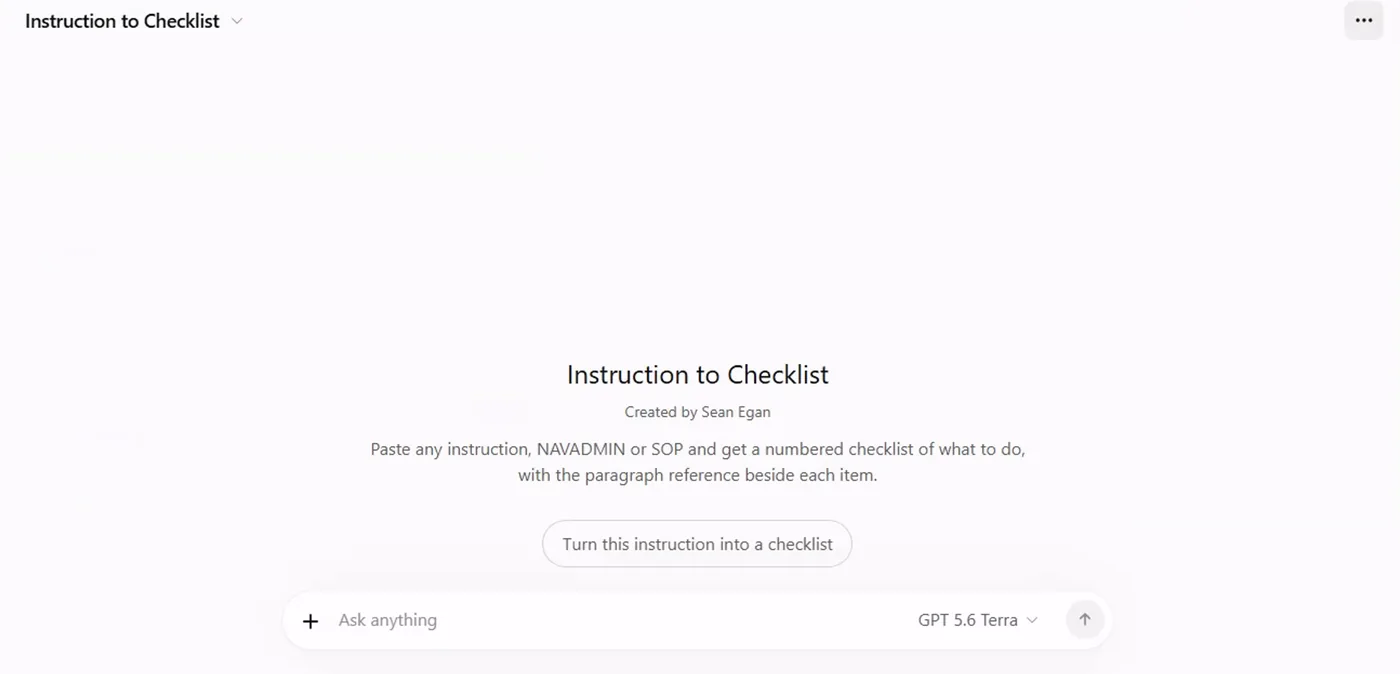
The preview pane is a live chat with the draft GPT. We pasted a four-paragraph sample instruction and got six checklist items, each ending in its paragraph reference, then "Deadlines found: 30 September; 5 October; within 10 working days of return; first training meeting in October" and "Assumptions: Department heads report for their departments." That last line is the GPT admitting an inference, which is what the rules asked for. Only after the preview behaves do you press Create.
Screenshot by the author on a sandbox account, 16 September 2026.
Two warnings on the editor itself
The editor says it twice: conversations with your GPT can reveal its instructions, and can reveal the files you uploaded. Put nothing in a GPT that the people who will use it may not read.
A project, for the job that lasts
Screenshot by the author on a sandbox account, 16 September 2026.
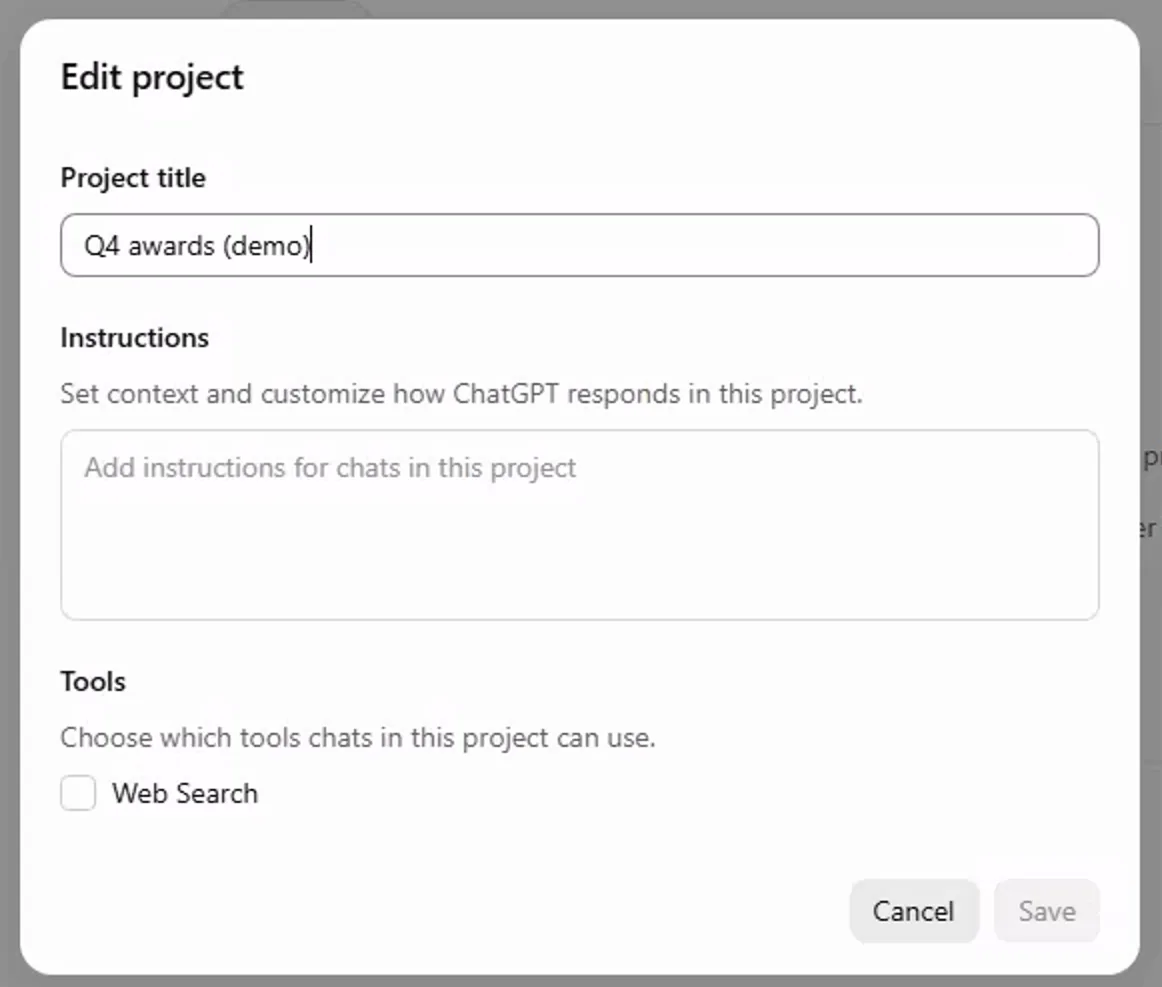
Screenshot by the author on a sandbox account, 16 September 2026.
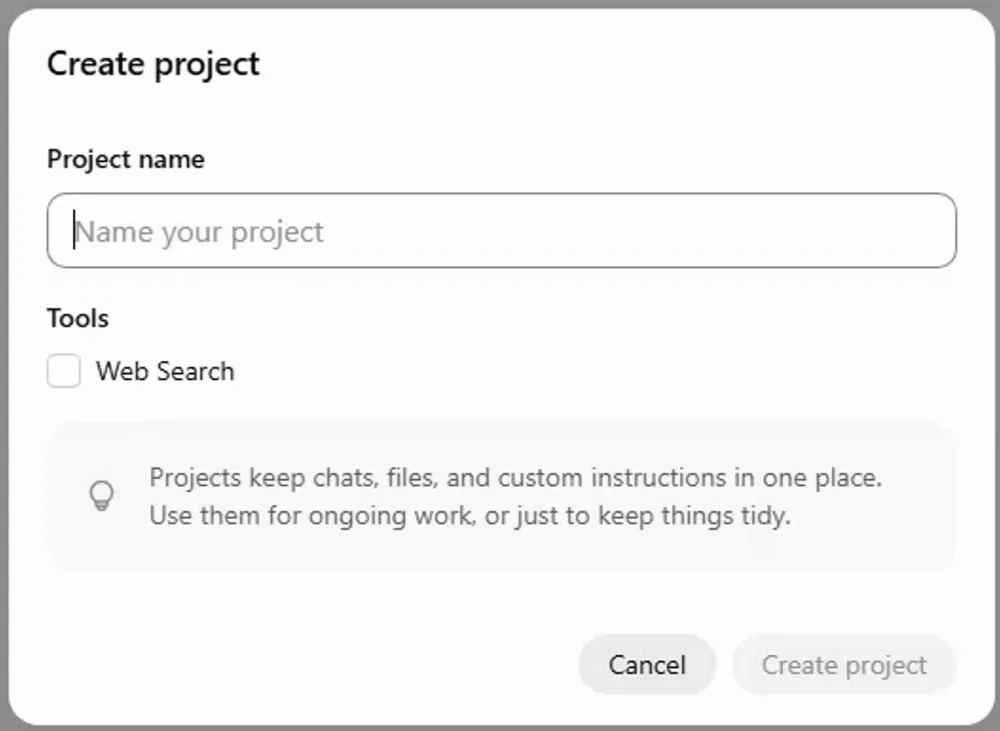
A project holds files (Sources tab, up to 40), standing instructions, and every chat about the job. Build one for quarter-end awards, for an inspection, for a change of command. A personal ChatGPT project is private to you; a Team or Enterprise workspace can add sharing with named teammates. Where a project cannot be shared, the instructions are the thing to hand off: four lines anyone can paste into their own GPT.
Vendor facts checked ; re-verify before relying on them.