 AI Tools Field Guide
GPTs, plugins and what replaces them
A custom GPT is ChatGPT with your instructions and files saved inside it. OpenAI has said it will retire GPTs and move them into plugins, which bundle the same instructions (now called skills) with connections to other apps. If you rely on a GPT, keep its instructions and files somewhere you control and plan the move now.
What a GPT is
OpenAI's own line on the GPTs page says it best: "custom versions of ChatGPT that combine instructions, extra knowledge, and any combination of skills". You write the instructions once, attach reference files, and anyone you share it with opens it like a chat. The worked example on GPTs, agents and skills builds one in ten minutes.
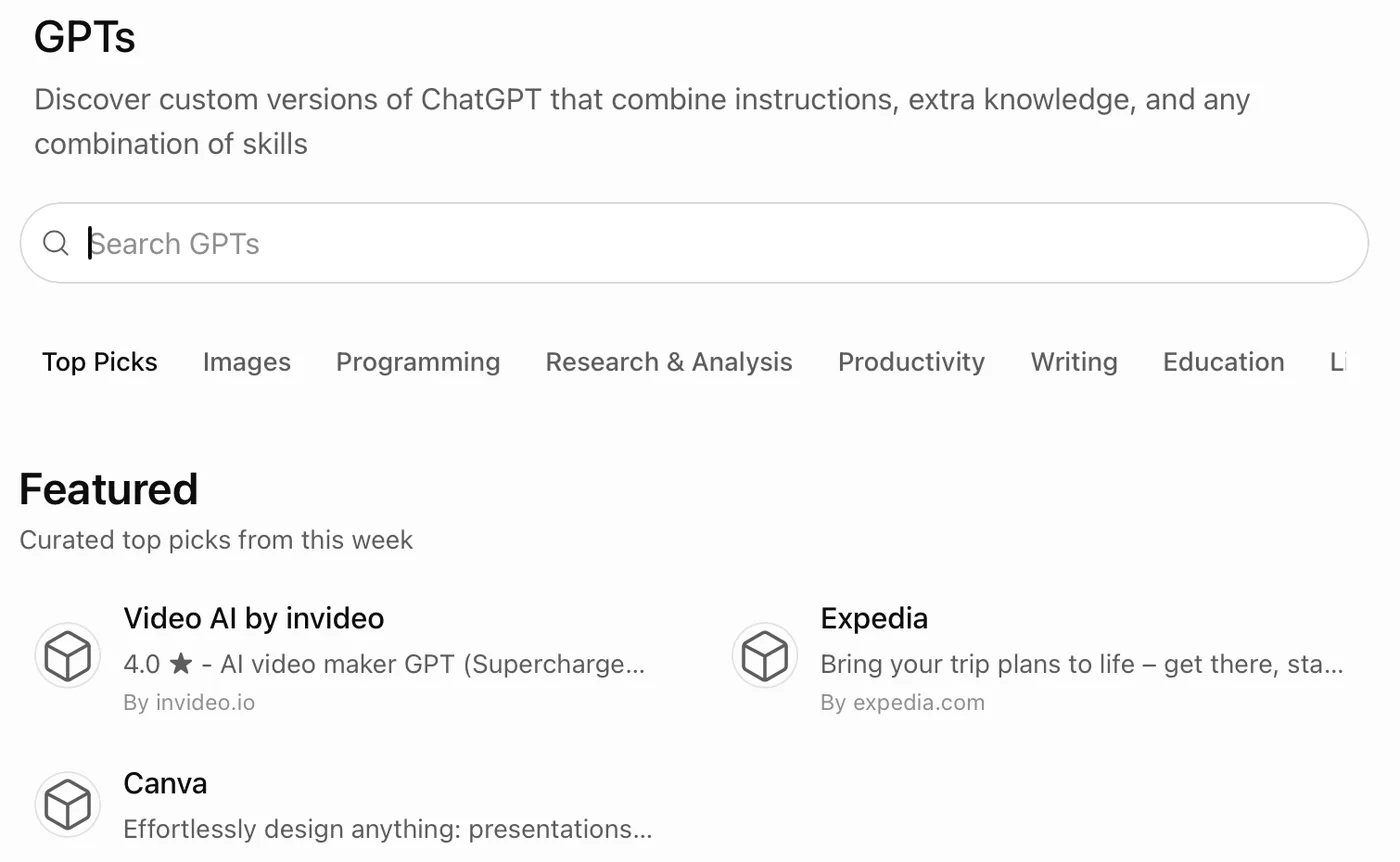
Screenshot by the author, 25 September 2026.
Plugins: the new home for helpers
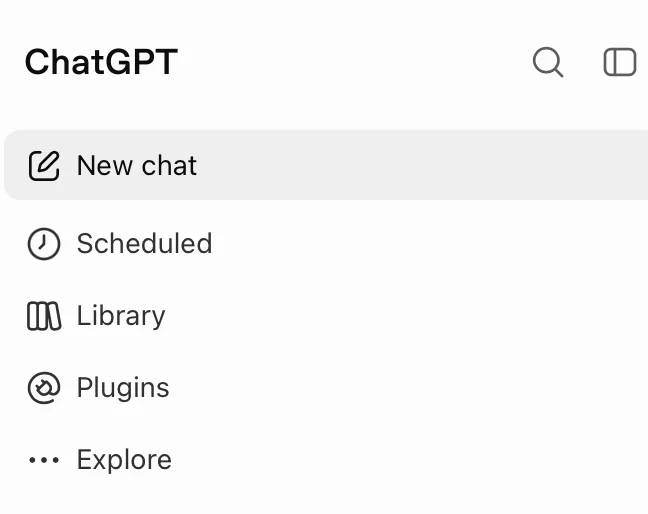
Screenshot by the author, 25 September 2026.
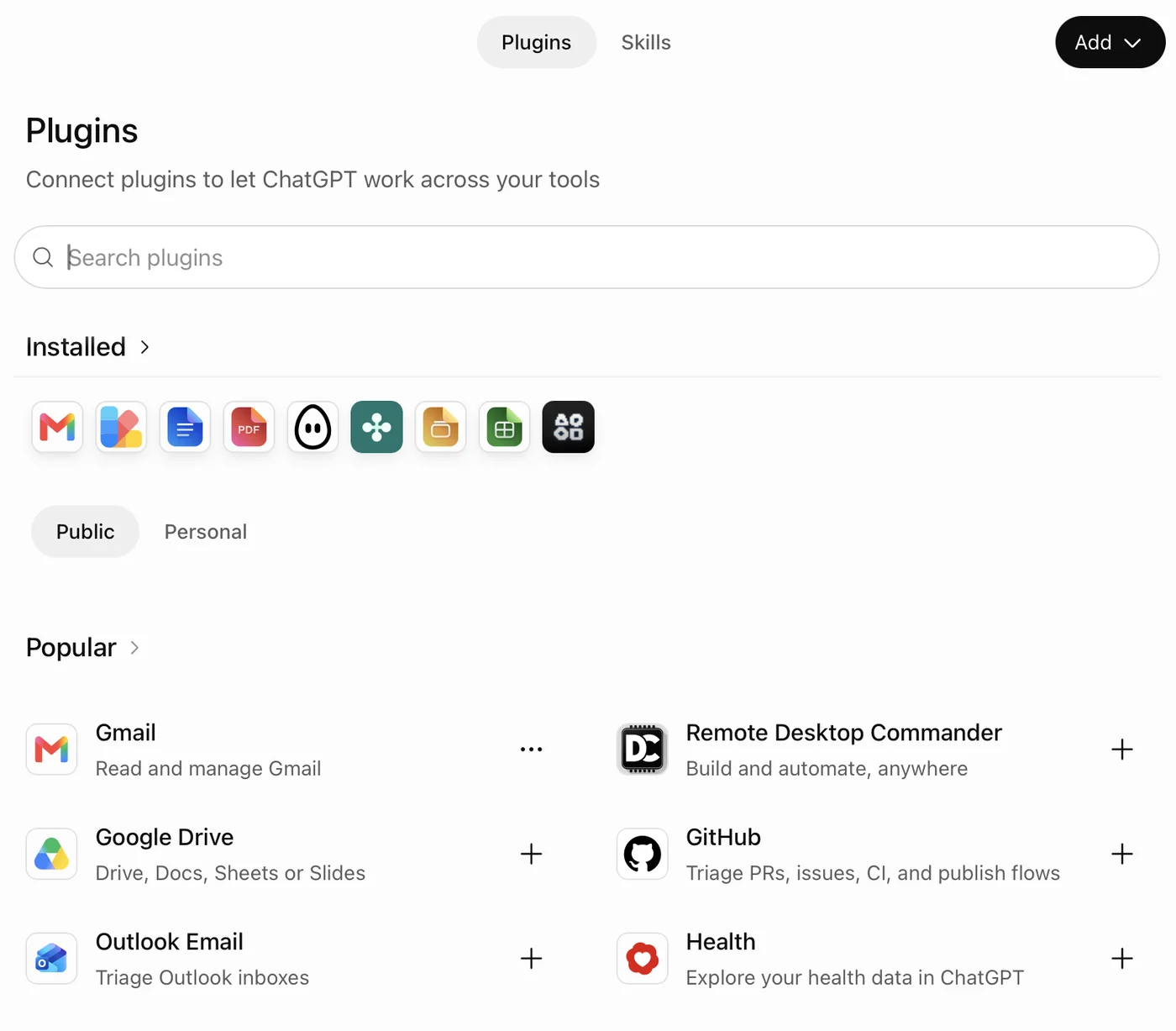
Screenshot by the author, 25 September 2026.
A plugin is a package. It can hold skills (saved instructions, the part a GPT used to be), apps (a connection to Gmail, Drive, GitHub and so on) and reference files. Public and Personal tabs separate published plugins from your own. Installed plugins also appear in the plus menu under the chat box, next to the built-in tools.
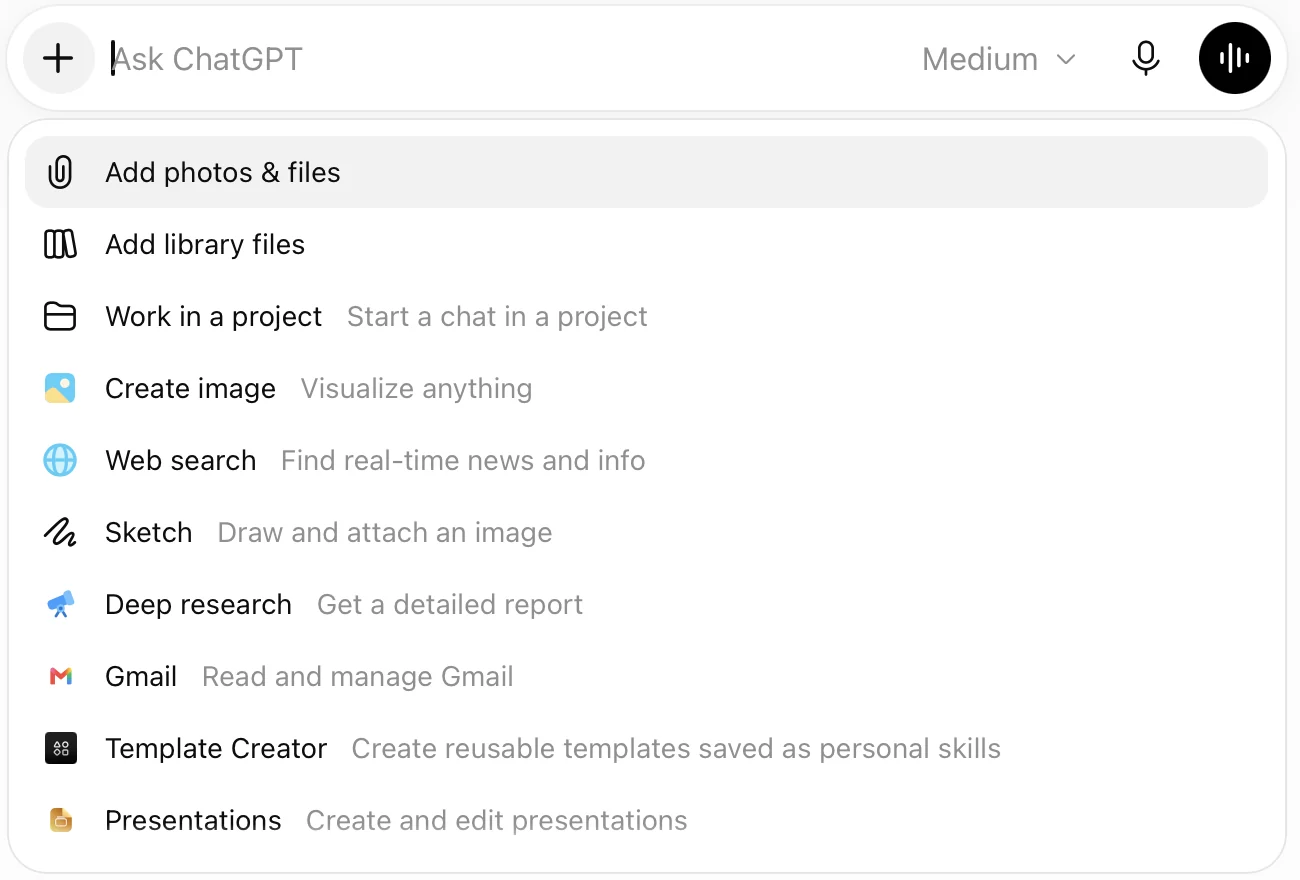
Screenshot by the author, 25 September 2026.
What OpenAI says about the change
OpenAI's help center (Custom GPT retirement and migration FAQ, read 25 September 2026) sets out the plan:
| Part of your GPT | After migration to a plugin |
|---|---|
| Instructions | Become a skill inside the plugin |
| Connected apps | Added to the plugin as apps |
| Knowledge files | Copied into the plugin as reference files |
| Custom actions (calls to outside APIs) | Do not carry over; rebuild them |
| The model you chose | Does not carry over |
| Conversation starters and past chats | May not copy |
For business workspaces OpenAI's dates are 25 September 2026 for the end of new GPT creation and 11 December 2026 for GPTs to stop running. Other plans get their dates through notices inside ChatGPT. After a GPT is migrated it turns read-only, and OpenAI warns that the plugin may answer a little differently.
What to do about it
- Open each GPT you rely on and copy its instructions into a document you keep
- Download or locate its knowledge files
- Run the migration when ChatGPT offers it, or build a plugin with the same skill and files
- Test the plugin on three prompts you know the right answer to
- Tell the people who used the GPT where the new one lives
Do not start a new GPT today. Put a new helper in a project if it is for you, or in a plugin skill if others need it.
The same idea in the other tools
| Tool | Name for a saved helper | Where it lives |
|---|---|---|
| ChatGPT | Plugin skill (was a custom GPT) | Plugins, then Skills |
| Gemini | Gem, or an agent on a work account | Gems (Google) |
| Grok | Skill | The plus menu, then Skills; see automations for running one on a timer |
| Claude | Skill | Loaded when a task calls for it (Anthropic) |
The four parts do not change from tool to tool: instructions, files, a model and the tools it may use. Keep your instructions in a plain document and you can rebuild the helper anywhere in ten minutes.
Vendor facts checked ; re-verify before relying on them.