 AI Tools Field Guide
Automations: run it on a schedule
These tools can run a job without you, with three that do it today: Grok's Automations, ChatGPT's Scheduled page, and the Schedule tab of a Gemini agent (marked Preview), each living in a different place and suited to different kinds of jobs.
Grok Automations
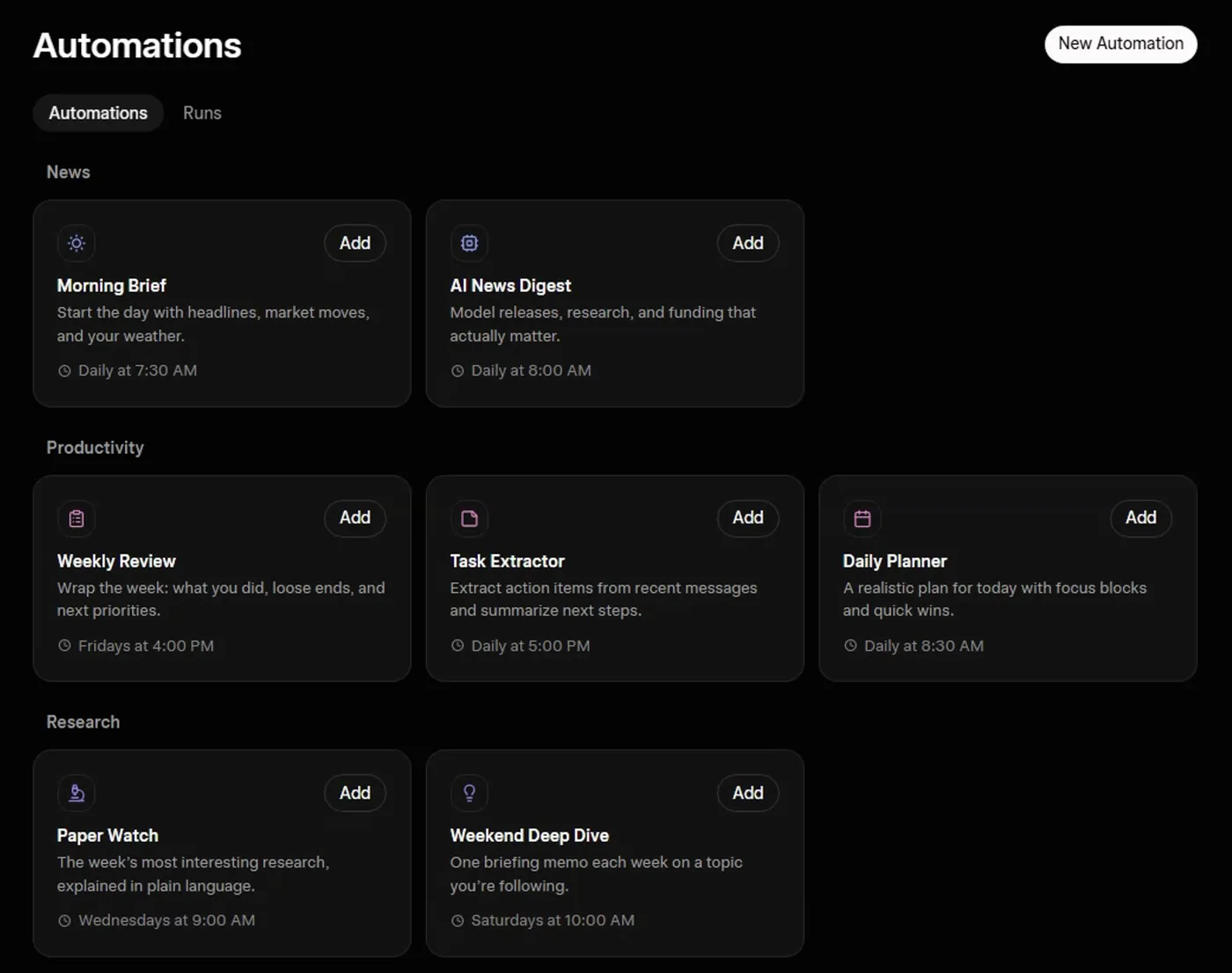
Screenshot by the author on a sandbox account, 16 September 2026.
The idea: a job you describe once. Grok runs it on a schedule or when triggered, saves a conversation for each run, and can notify you. Every run is a real conversation under the same retention rules as any other chat.
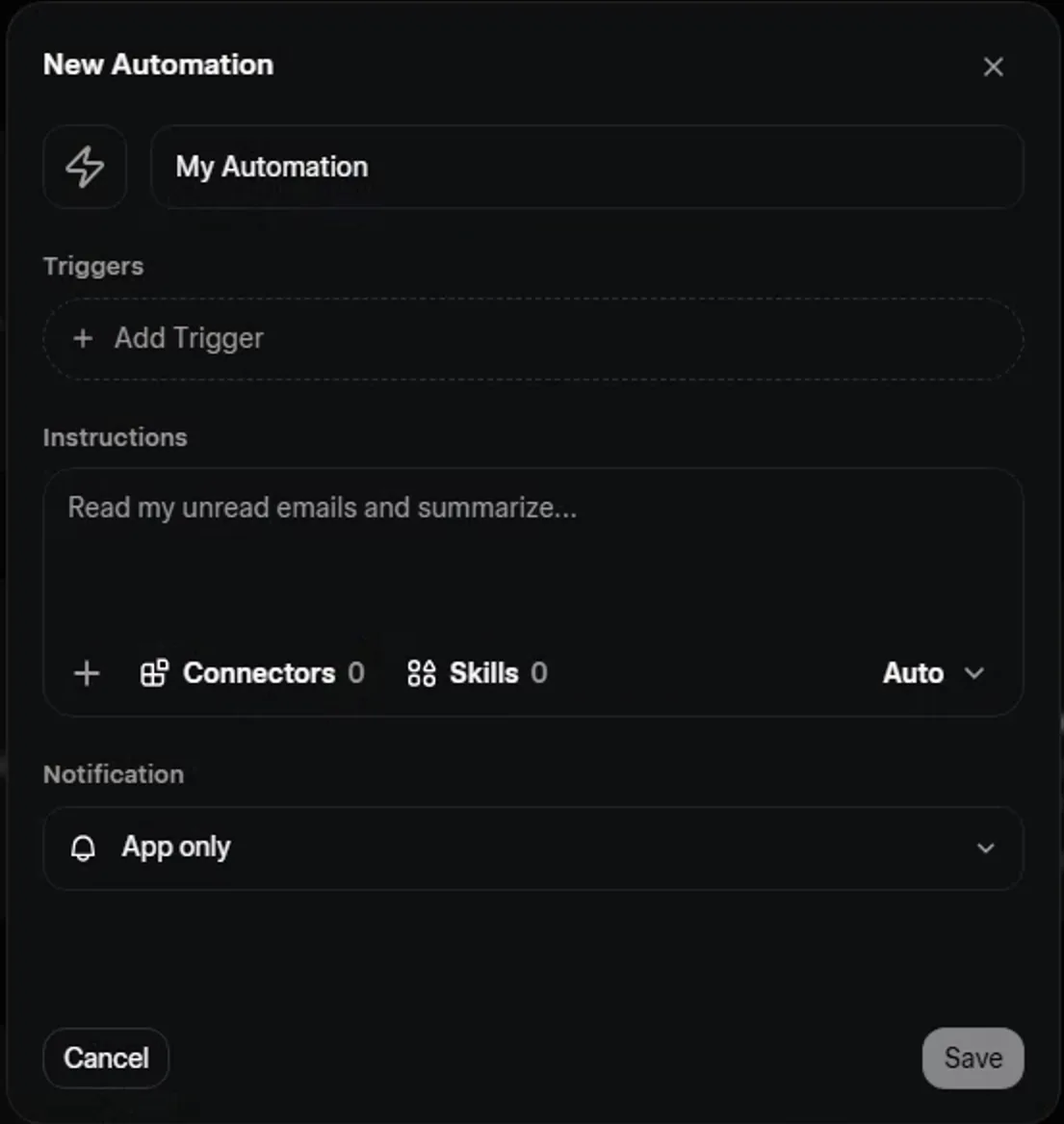
Screenshot by the author on a sandbox account, 16 September 2026.
- Automations, then New Automation
- Name it and write the instructions like a good prompt
- Add Trigger: once, hourly, daily, weekly, monthly or yearly
- Save, then Run now to test
- Read the run in the Runs tab
Most triggers are time-based. Email triggers exist but need a paid SuperGrok tier; check what your plan includes before you build around one.
ChatGPT: Scheduled
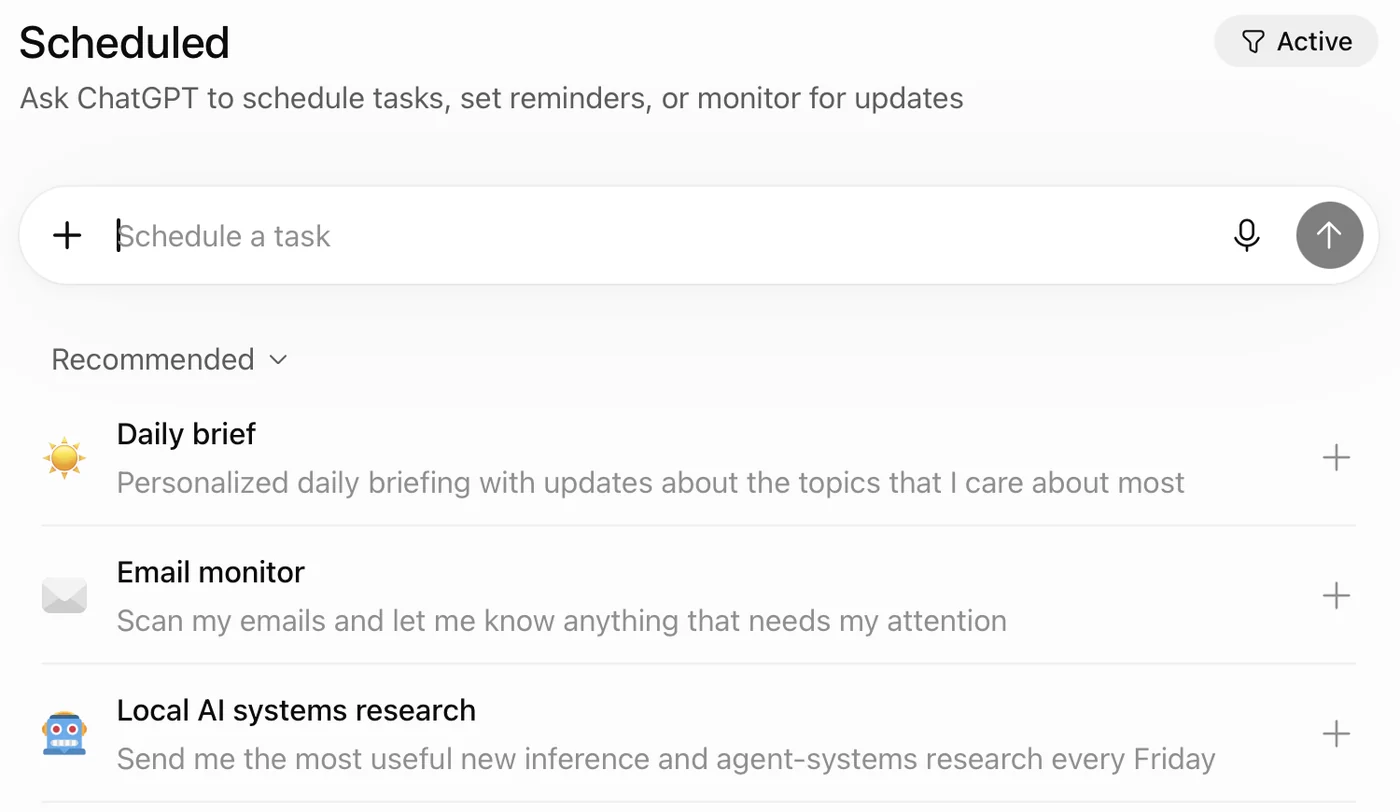
Screenshot by the author, 25 September 2026.
The page is a chat box: you write the schedule into the request ("every Friday at 8, list the open items in my project"), and the Active filter at top right lists what you have set up. The Email monitor suggestion needs a mail plugin connected, and then it reads your mailbox, so the rules for what you paste apply to what it can reach.
Gemini: schedule an agent
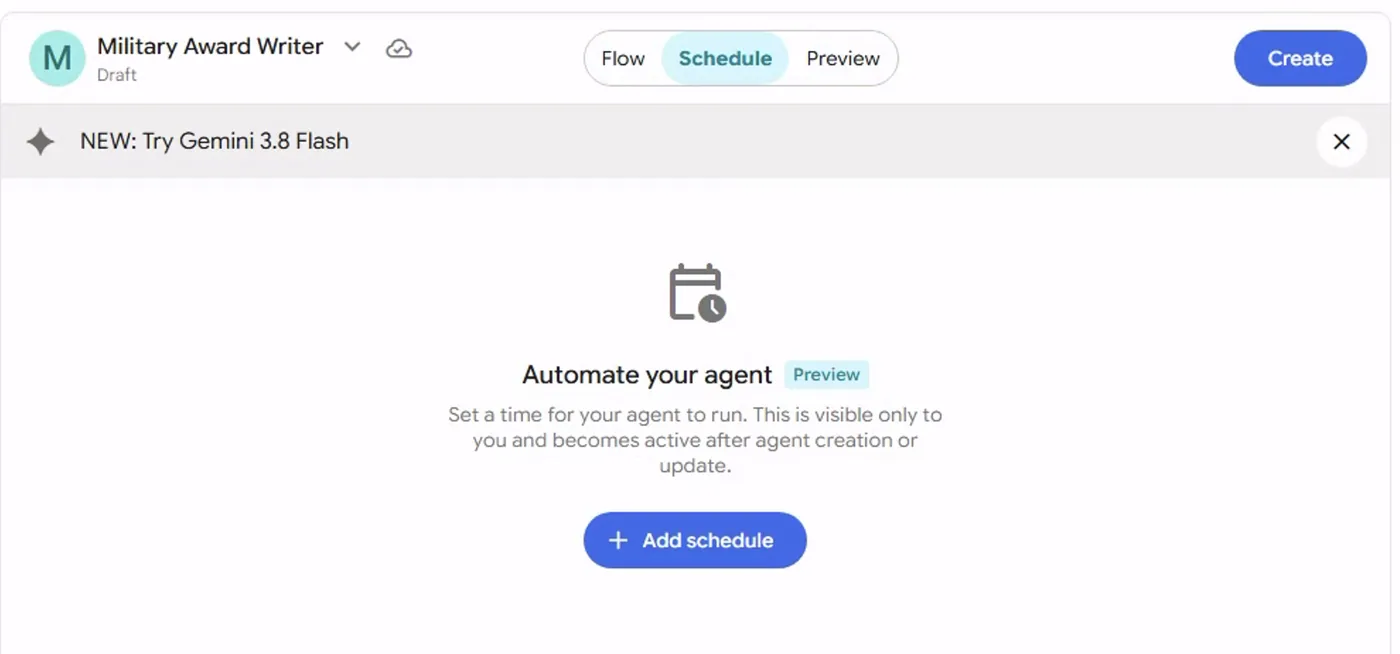
Screenshot by the author on a sandbox account, 16 September 2026.
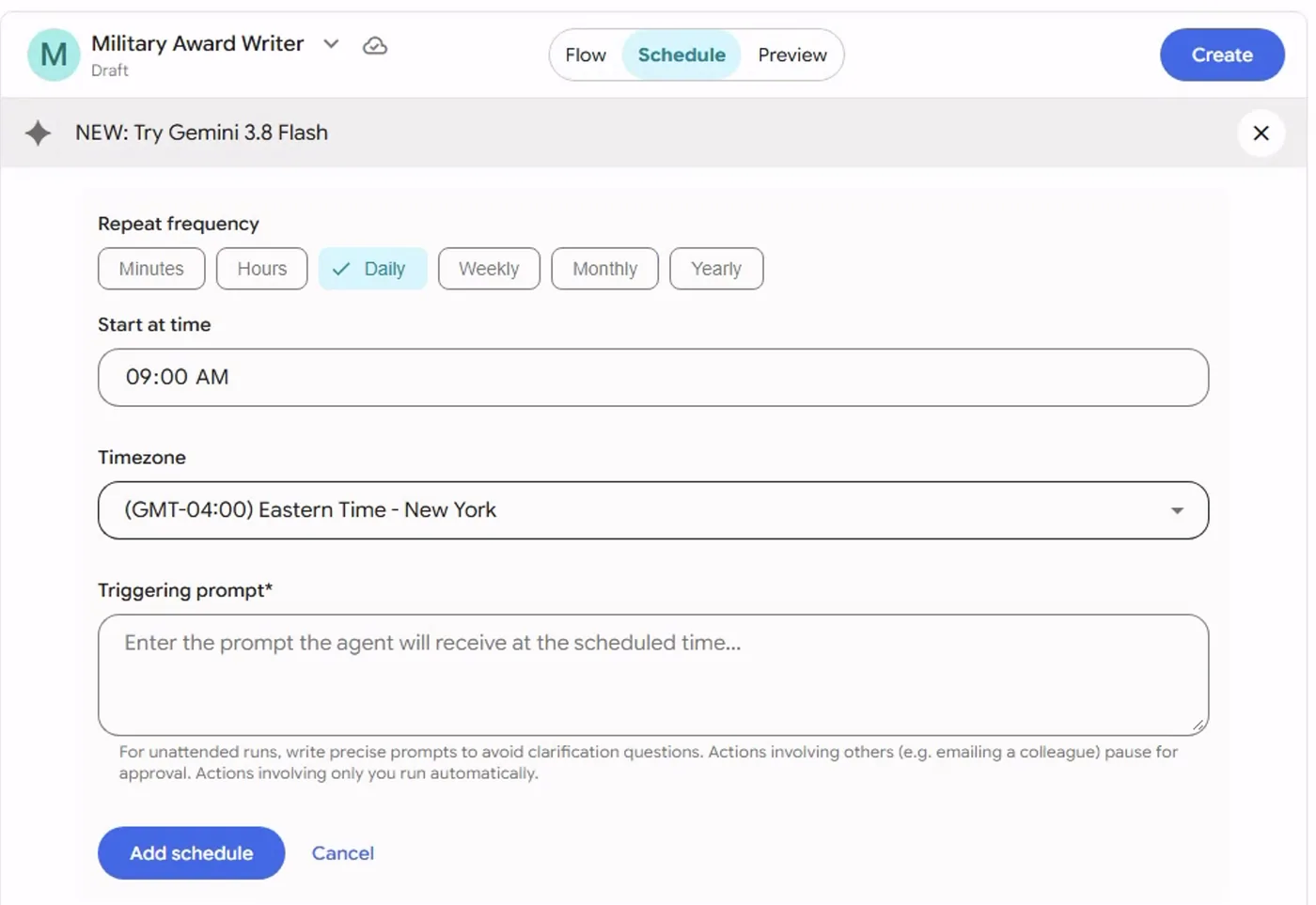
Screenshot by the author on a sandbox account, 16 September 2026.
What to hand to a schedule
| Good candidates | Poor candidates |
|---|---|
| A Monday summary of last week's saved notes in a project | Anything that needs today's message traffic it cannot see |
| A Friday "what did I leave open" pass over a project's chats | A decision, a signature or a send |
| A monthly reminder that drafts the routine memo from the template | Anything you would not want run and stored while you are on leave |
An automation only sees what is attached to it, what is in its project, and whatever you connected it to, such as a mail plugin in ChatGPT or a connector in Grok. Connect nothing it does not need. Write the prompt precisely, because nobody is there to answer its questions.
Vendor facts checked ; re-verify before relying on them.