 AI Tools Field Guide
Projects: a desk for a job
Stop re-attaching the same files and retyping the same rules. A project is a folder inside the tool, and every new chat inside it starts already knowing the files and the instructions: a desk for a role, not a one-off question.
What a project is for
A plain chat forgets the job the moment you close it. A project is for any job you come back to: the same files, the same rules, a new piece of work each time.
- An awards or eval cycleThe instruction, the approved format and last cycle's examples attached once; one chat per nominee.
- Inspection prepThe inspection guide and your last self-assessment; one chat per program area.
- A turnoverYour relief's SOPs and trackers, names removed; one chat per question you would have asked them.
- A recurring productThe weekly report, the plan of the week, the monthly brief: last month's approved copy is the template.
Use a plain chat for a one-off question. Open a project the second time you attach the same file.
What a project holds
- The filesLast year's approved package, the awards instruction, the citation guide. Attached once, available to every chat. Up to 40 in ChatGPT; 100 GB of storage in Grok.
- The standing instructions"Always use the attached memo template. Put the paragraph reference beside each claim. Never invent a name; write [CONFIRM] instead."
- The chatsOne conversation per nomination, per section, per week. Yesterday's sits beside today's instead of vanishing down a long thread.
Making one in ChatGPT
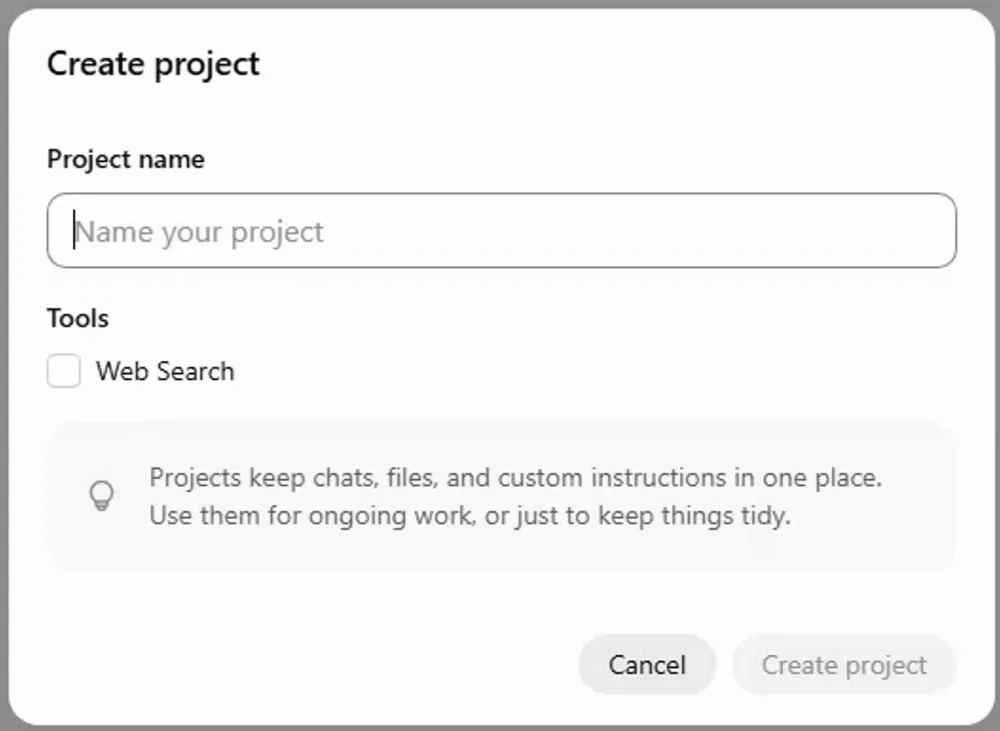
Screenshot by the author on a sandbox account, 16 September 2026.
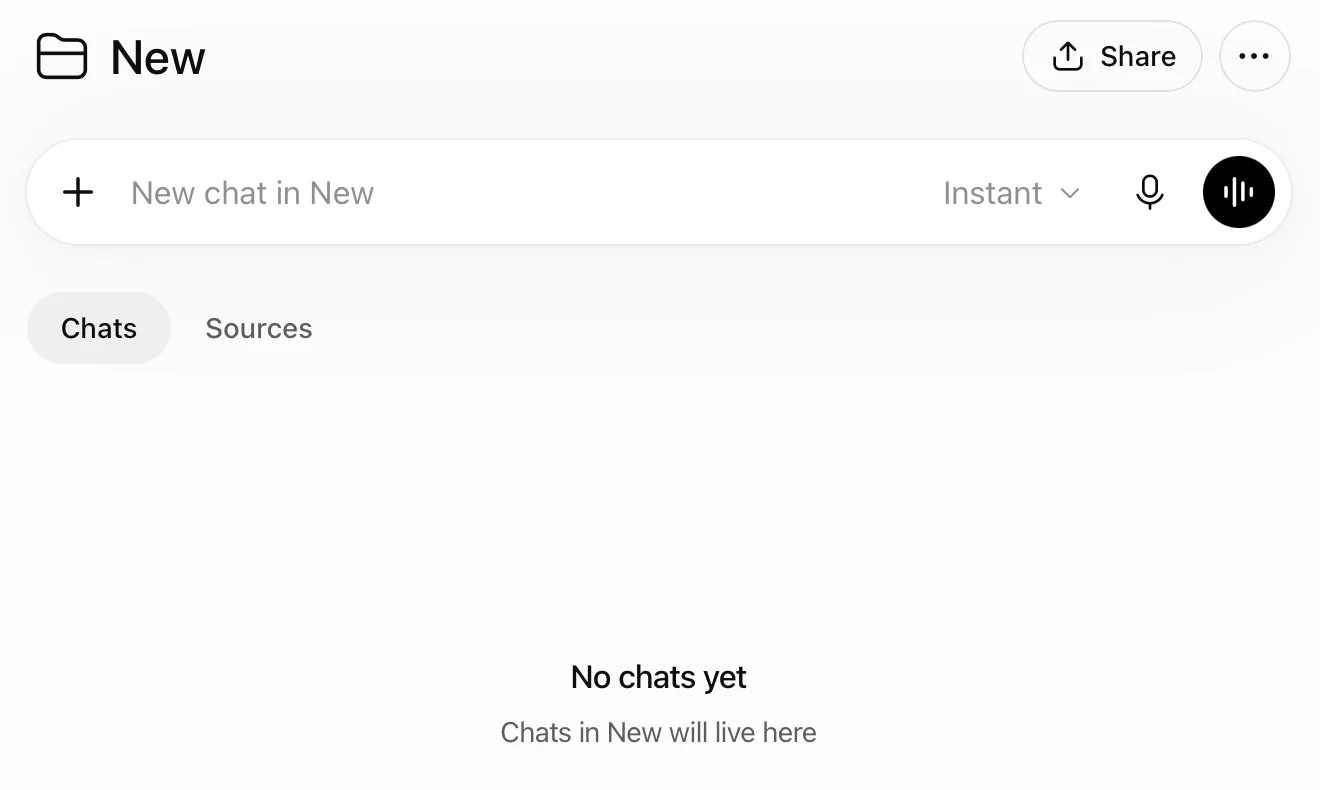
Screenshot by the author, 25 September 2026.
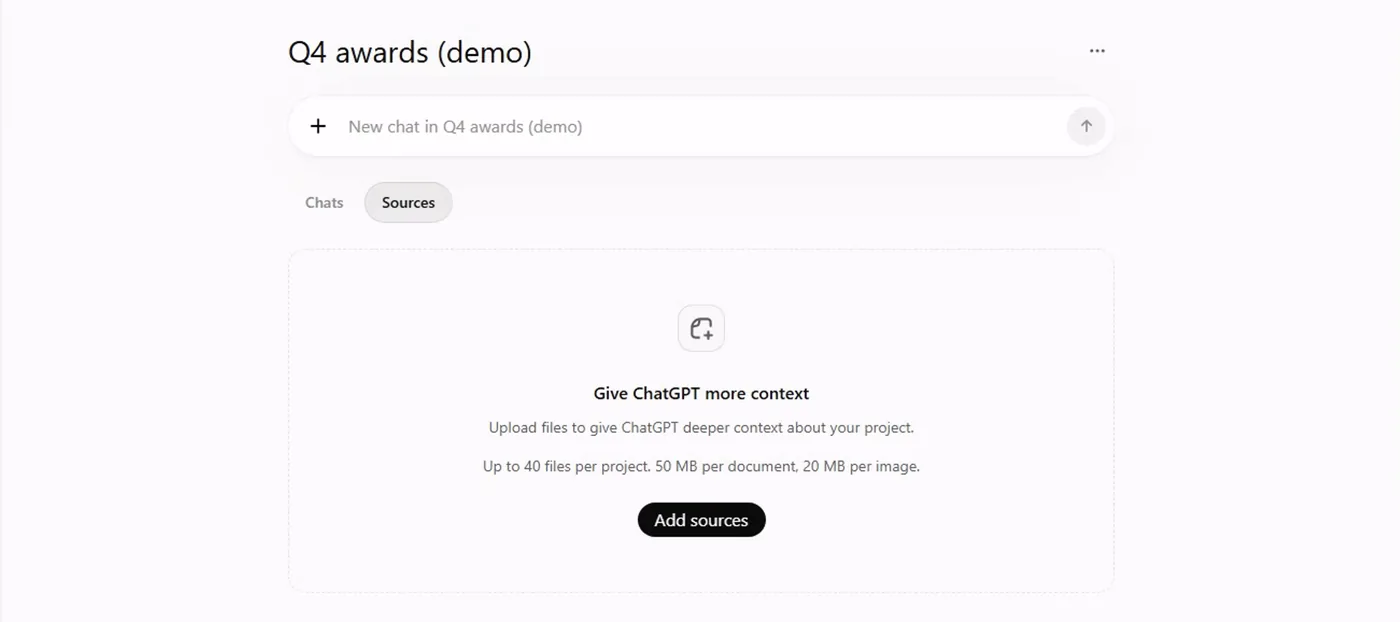
Screenshot by the author on a sandbox account, 16 September 2026.
Making one in Grok
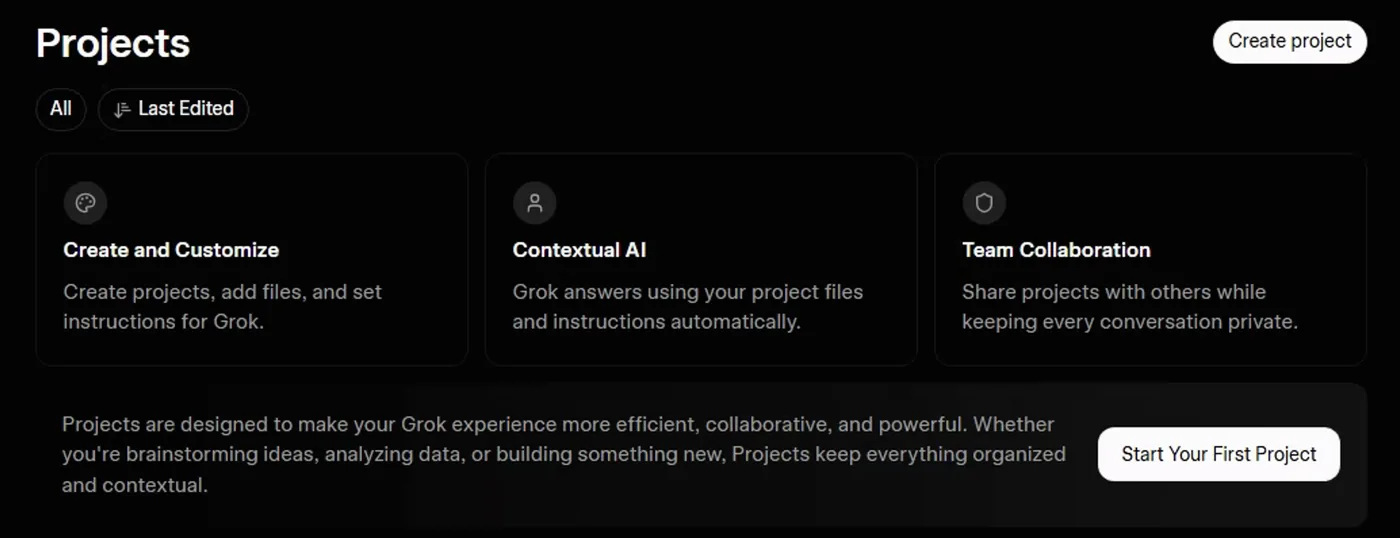
Screenshot by the author on a sandbox account, 16 September 2026.
Create project asks only for a name and files; instructions and the share control are on the project page. Inside a project Grok defaults to Expert mode, because a project usually means a job worth the slower model. An existing chat can be moved into a project from its menu.
Without one, with one
| Without a project | With a project |
|---|---|
| Attach the instruction and the template every time | Attach them once |
| Retype "use our memo format, cite the paragraph" | Write it once as a standing instruction |
| Chats about the job scattered through your history | All of them in one place |
| Yesterday's draft lost in a long conversation | Yesterday's chat sits beside today's |
One example: quarter-end awards
- Create the project "Q4 awards"
- Add last year's package, the instruction, the citation guide
- Write the standing instruction
- One chat per nominee: attach the bio, ask for the draft
- The nominee's chief checks every claim against the bio
The clerk never signs off on an accomplishment they cannot point to, and the [CONFIRM] items go to the chief. The full walk-through is on documents in action.
Sharing a project, as of September 2026
Build projects for yourself for now. Sharing between users is not dependable yet, and that is expected to change.
| Tool | What is there today |
|---|---|
| ChatGPT | A Share button appeared at the top of a project on the public app in September 2026; we have not tested who it reaches. |
| Grok | A Share Project dialog exists, with an invite box and a general-access setting. When we searched for a shipmate by name it returned no results, so we could not share one. |
| Gemini | No projects, but a published agent can be shared with named people, and a single chat can be shared by link. |
Until project sharing works, pass a shipmate the two things that make the project: the files, from the share drive, and the standing instructions, as four lines of text. They rebuild it in five minutes. When sharing arrives, the shop inherits a project that already works.
Gemini has no projects
Gemini covers the same ground from the other direction: an agent carries the instructions and the files, and chats with it are the "project". The next lesson explains agents; the Intermediate path builds one, screen by screen.
Projects and libraries, tool by tool puts the four tools side by side, with each one's Library. Claude has the same idea under the same name: a Claude Project is a workspace with its own knowledge files, instructions and chats.
Vendor facts checked ; re-verify before relying on them.