 AI Tools Field Guide
Working together
Turn one person's helper into the shop's helper without losing the review: know what each tool can share today, split drafting and reviewing into four roles, and run a weekly rhythm that holds whatever the platform does next.
What can be shared, per tool
| Tool | Shareable | How |
|---|---|---|
| Gemini | A published agent | To named users in your organization; sharing an agent shares its data sources and files |
| Gemini | One chat, by link | The three dots beside the chat title, then Share. Anyone with the link sees the whole chat, including text drawn from your files; revoke it under Settings, Shared chats |
| Grok | A project, in principle | The Share Project dialog is there, but on 17 Sep 2026 searching for a person returned no results, so we could not share one. Expect this to change |
| Grok | A skill | Within authorized teams, when your administrator has enabled sharing |
| ChatGPT | Nothing yet | As of September 2026, a project's menu offers only Edit project, a custom GPT's menus offer only Pin and Edit, and a chat's menu offers Rename, Pin and Delete |
| Claude | A chat, or an Artifact | A chat link works like Gemini's; an Artifact (a document, a small app) opens beside the chat and can be shared or published on its own |
| Every tool | The document itself | Your approved share drive and review workflow |
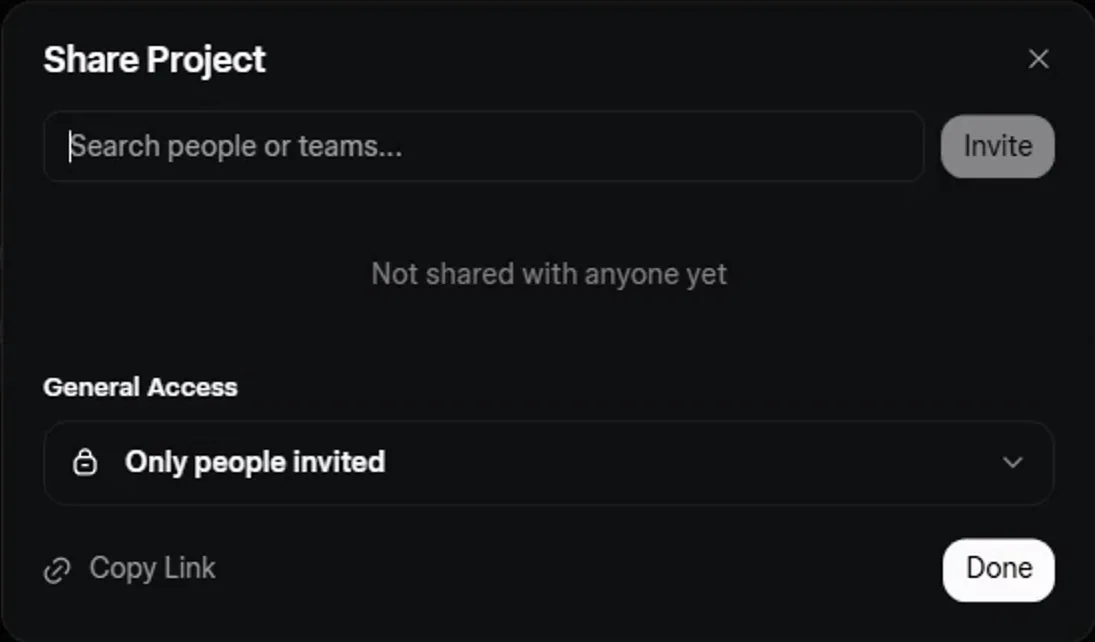
Screenshot by the author on a sandbox account, 16 September 2026.
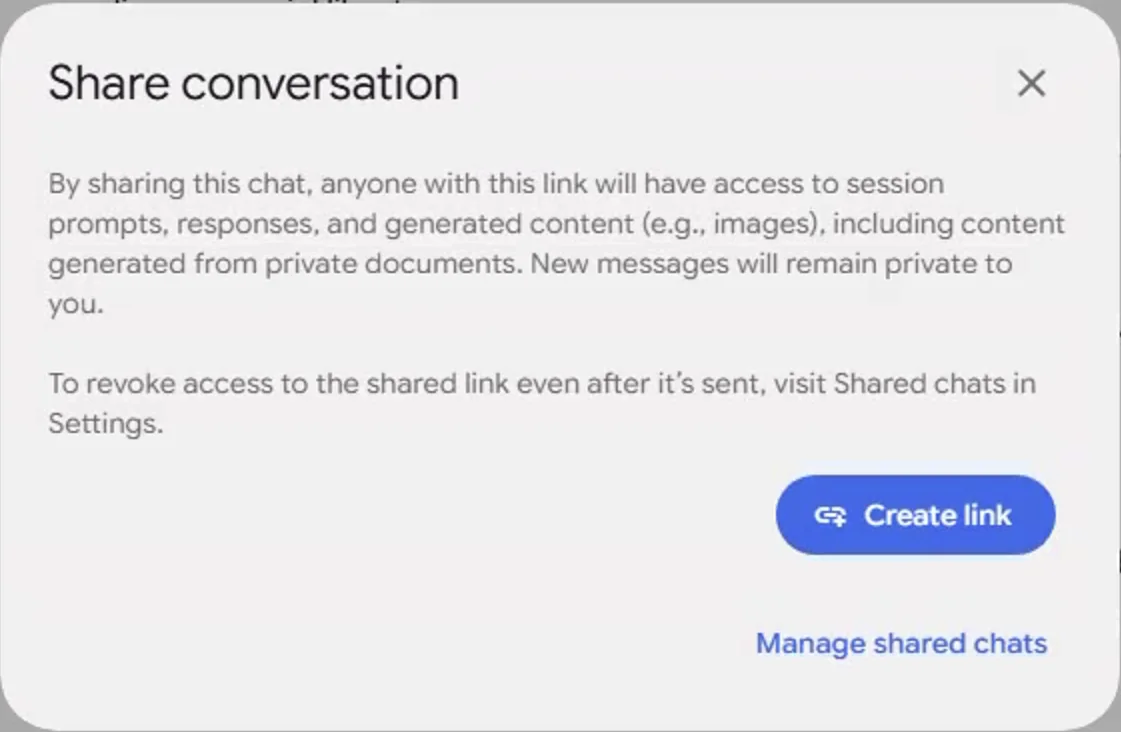
Screenshot by the author, 17 September 2026.
The last row always works: the source lives on the drive, the draft goes into the review copy, the approval is recorded there.
Four roles
- Source ownerKeeps the instruction, template and files current, and owns the helper. Does not draft.
- DrafterProduces first passes with references, one section at a time. Never reviews their own work.
- ReviewerChecks every claim against the source; sends back or clears. Does not sign.
- SignerReads the cleared draft and signs it as their own. Never skips the reading.
The weekly rhythm
- Monday: the source owner checks for changed instructions and updates the helper
- Through the week: drafters run the helper and file drafts with the source beside them
- Thursday: reviews in pairs, with the checklist
- Friday: the signer signs what cleared; the rest goes into next week's pile
None of it depends on a particular platform feature, so it keeps working as features come and go.
Vendor facts checked ; re-verify before relying on them.