 AI Tools Field Guide
Your first chat
Every chat box in these tools has the same five parts: somewhere to type, an attach button, a model picker, a send arrow and a sidebar of past chats. File limits are each vendor's own and change over time; Claude's, for example, are published in its help center.
The chat box, tool by tool
Every chat box has a place to type, a way to attach a file, a model or mode picker and a send arrow. Gemini adds two more buttons for tools and connectors. Click the numbers or press Next to walk through each one.

Screenshot by the author on a sandbox account, 16 September 2026.
Step 1 of 6
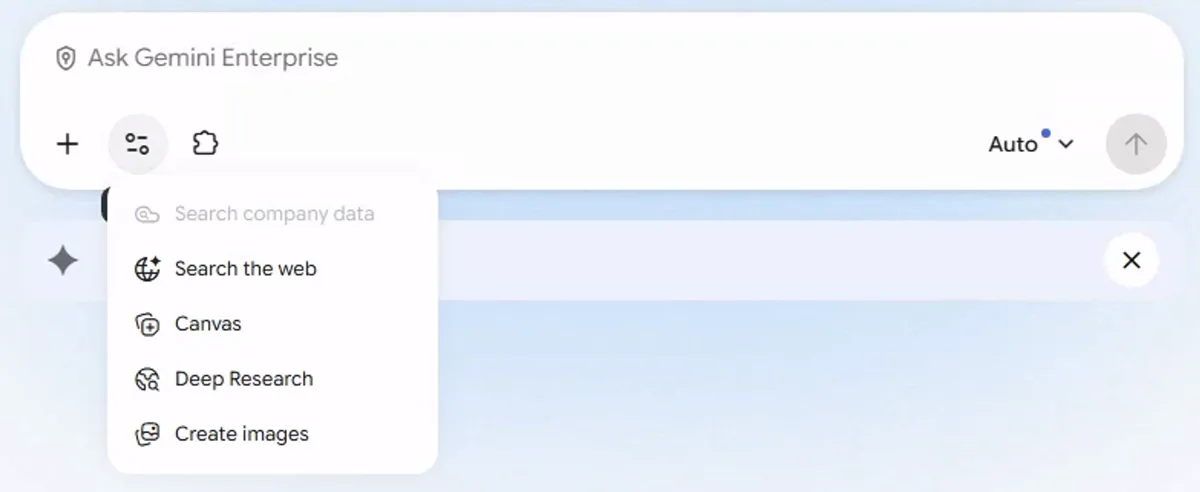
Screenshot by the author on a sandbox account, 16 September 2026.
Step 1 of 5

Screenshot by the author on a sandbox account, 16 September 2026.
Step 1 of 4
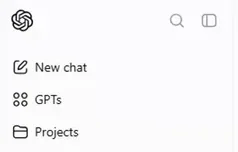
Screenshot by the author on a sandbox account, 16 September 2026.
Step 1 of 3

Screenshot by the author on a sandbox account, 16 September 2026.
Step 1 of 4
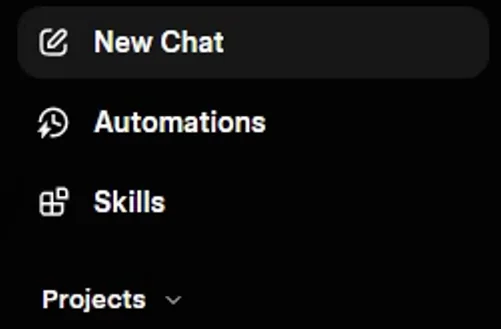
Screenshot by the author on a sandbox account, 16 September 2026.
Step 1 of 4
The plus menus on the public apps
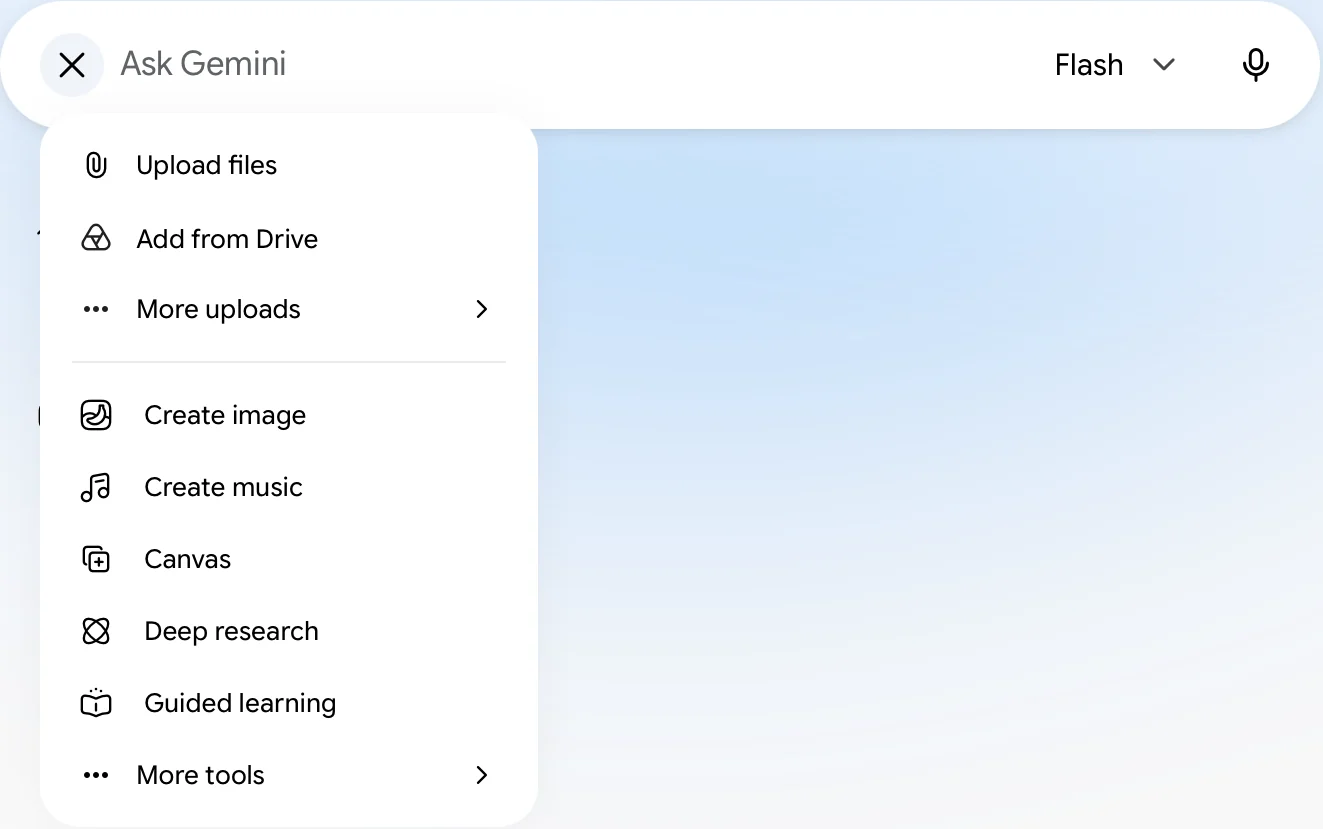
The screens above come from one set of accounts. The public apps, checked on 25 September 2026, put more behind the plus button, and their sidebars have moved on too.
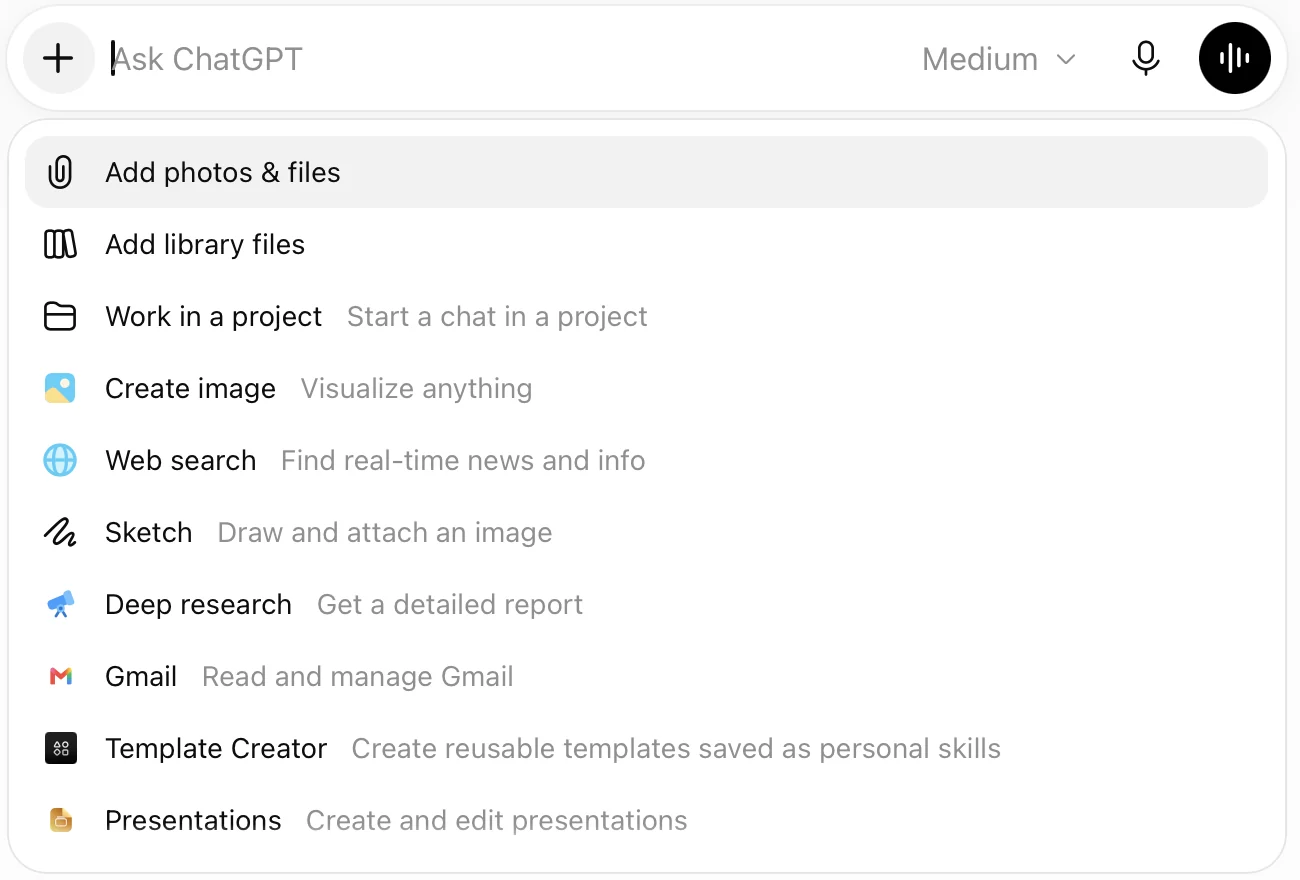
Screenshot by the author, 25 September 2026.
Screenshot by the author, 25 September 2026.
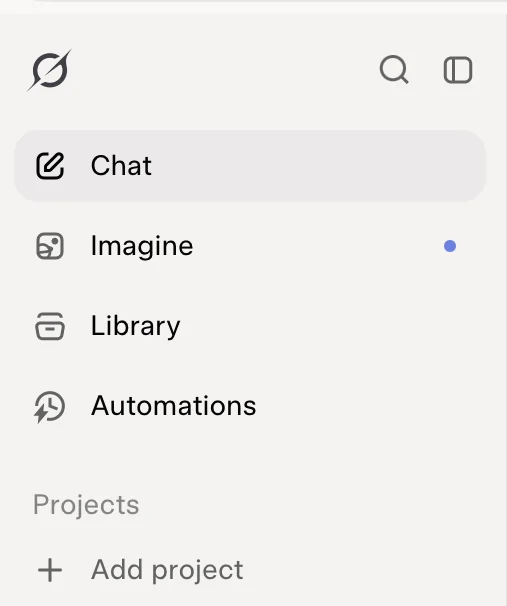
Screenshot by the author, 25 September 2026.
ChatGPT's public sidebar now reads New chat, Scheduled, Library, Plugins and Explore; GPTs are on their way out, as GPTs, plugins and what replaces them explains.
A turn, then a follow-up
You type; it answers; that pair is a turn. It remembers the whole conversation while the chat is open, and nothing between chats.
- Set the frame first"Draft a one-page read-ahead for the CO from the attached three messages" gives it the reader, the shape and the source. "Summarize this" gives it a guess.
- Edit in turns"Shorter." "Use the memo format I pasted." "List every claim the attachment does not support." Short corrections work better than one long restatement.
- Start fresh when it driftsIf it keeps returning to a version you rejected, open a new chat with only the source and the request that still matter.
Ask for the shape you want
| You want | Say |
|---|---|
| A checklist you can walk through | "A numbered checklist, one action per line, the paragraph reference after each" |
| A table for a brief | "A table with these columns: …; no prose before or after" |
| A memo in your format | "Match the attached memo's structure and tone; under 250 words" |
| A comparison | "Two columns, old and new; only the rows where something changed" |
What a grounded answer looks like
When a connector or web search is on, Gemini shows its work: the searches it ran, then an answer with numbered citations you can open.
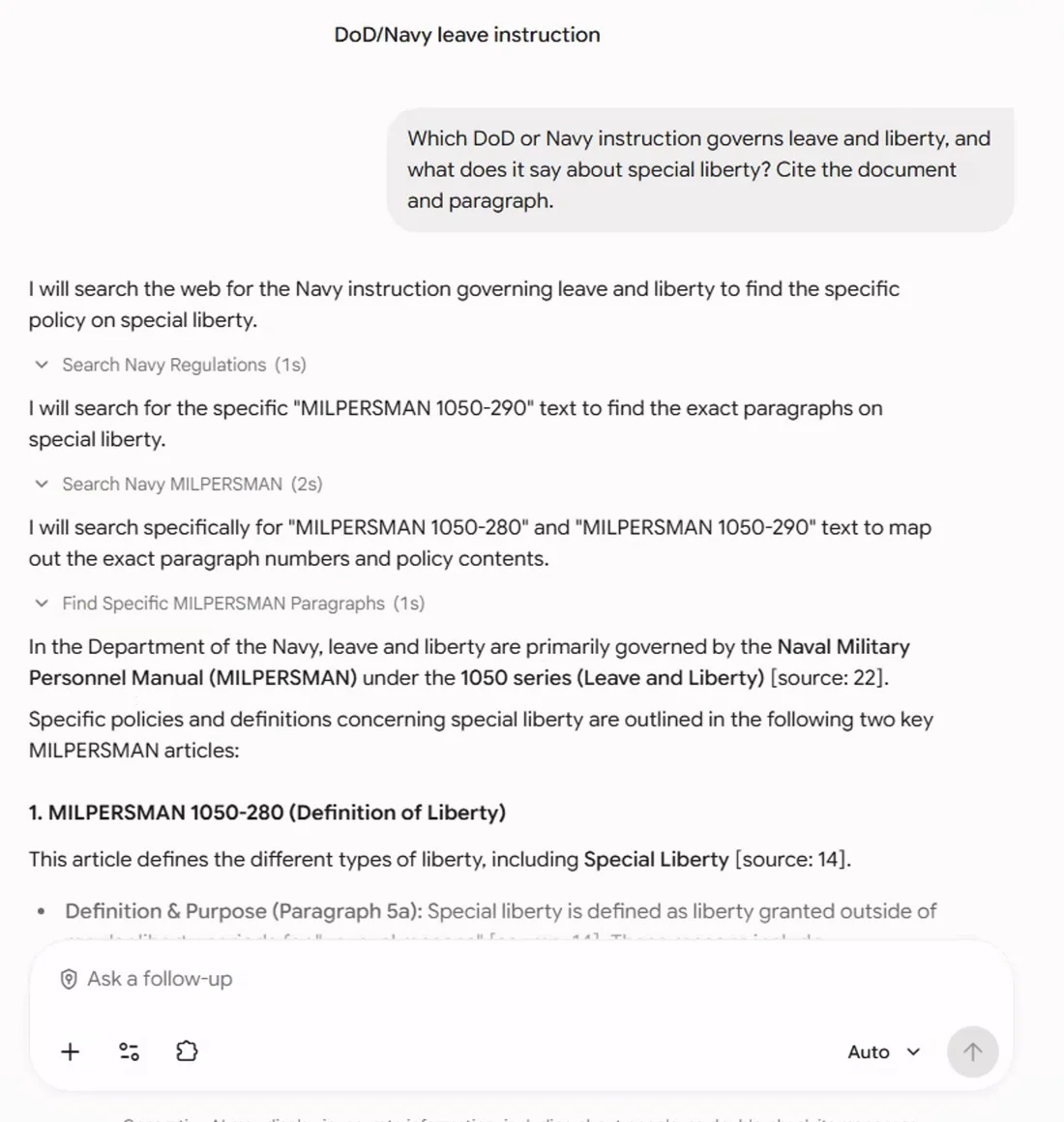
Screenshot by the author on a sandbox account, 16 September 2026.
Step 1 of 4
When it makes something up
| The tell | What to do |
|---|---|
| A reference number, date or name you did not supply | "Where in the attachment is that?" If it cannot point to it, it invented it. |
| A citation to a document you cannot open | Open it. A citation points at the proof; it is not the proof. |
| A number with no working shown | Ask for the inputs and recompute it yourself. |
| An answer that is suspiciously complete | "What did you assume, and what is missing from the source?" |
Vendor facts checked ; re-verify before relying on them.